
An event program template helps guests follow what’s happening at your event: the schedule, speakers, performers and key information, all in a neat printed layout. It also gives the event a polished, professional feel.
Download six free, editable event program designs in Word below.
What’s Included
- Six event program designs in Word (.docx)
- Space for the event name, date, venue and welcome message
- An order of events or schedule section
- Areas for speakers, performers, sponsors and thank-yous
| Template | File format | Hosted on |
|---|---|---|
| Event Program Template 1 | Word (.docx) | GetWordTemplates |
| Event Program Template 2 | Word (.docx) | GetWordTemplates |
| Event Program Template 3 | Word (.docx) | GetWordTemplates |
| Event Program Template 4 | Word (.docx) | GetWordTemplates |
| Event Program Template 5 | Word (.docx) | GetWordTemplates |
| Event Program Template 6 | Word (.docx) | GetWordTemplates |
Download the Free Event Program Templates
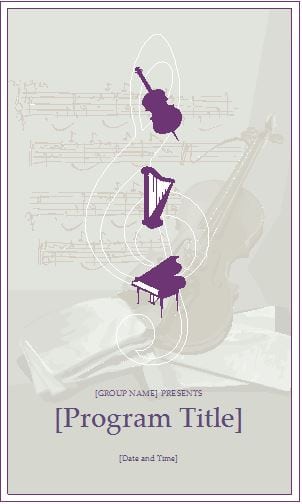
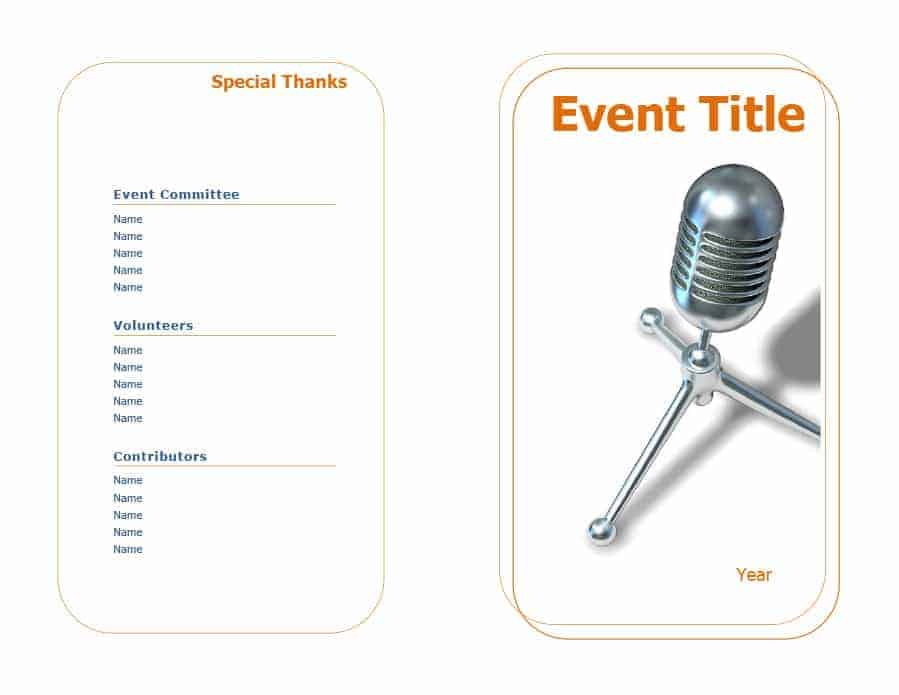
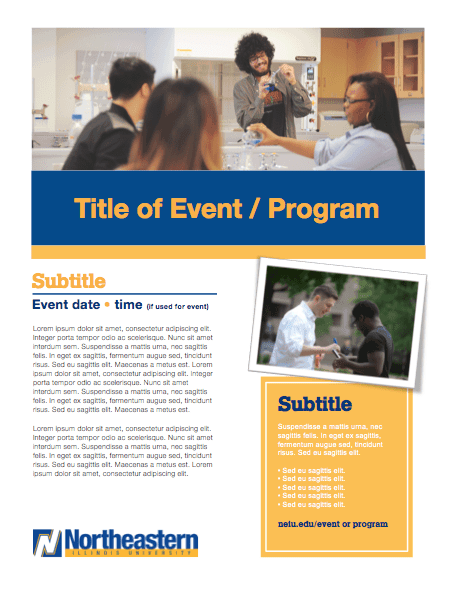
All six designs are free Word files. Click a preview or download button to save one.

How to Use These Templates
- Choose a design that suits the tone of your event.
- Add the event name, date, venue and host.
- List the order of events with times where useful.
- Add speaker or performer names and short bios if space allows.
- Include thank-yous, sponsors and any practical information.
- Proofread, print a test copy, then print the full run.
Who It’s For
Event programs suit event planners, schools, churches, nonprofits, theatres, conference organizers and families hosting ceremonies.
- Graduations and award ceremonies
- Conferences and seminars
- Concerts, recitals and plays
- Church services and community events
Tips for Designing an Event Program
- Keep the schedule clear. Guests mainly want to know what happens next.
- Use readable fonts. Many programs are read in low light.
- Check every name. Spelling errors in a program are hard to undo.
- Leave white space. A crowded page is hard to read.
- Print a test copy. Check folds, margins and image quality.
Example: A One-Hour Community Event
| Time | Segment | Lead |
|---|---|---|
| 14:00 | Welcome and practical announcements | Host |
| 14:10 | Guest presentation | Speaker |
| 14:35 | Audience questions | Moderator |
| 14:55 | Thanks and closing | Host |
This fictional running order gives guests the sequence and timings. Keep private staff instructions, supplier numbers and setup duties in a separate organizer’s schedule. Before printing a folded booklet, produce one double-sided test and check page order, speaker names and legibility.
Prepare the supporting event documents with our event proposal sample templates, party guest list templates, biography templates.
Types of Event Program Templates
Event program templates vary widely depending on the occasion. A wedding program template usually includes the ceremony order, the wedding party, and a personal note from the couple. A graduation program template lists the order of the ceremony along with the names of graduates. A corporate event program template is typically more structured. It focuses on session times, speaker names, and topics for a conference or annual meeting. A memorial or tribute program template is designed with a more reflective tone. It often includes photos and a brief life story of the person being honored. Choosing the right event program template for your specific occasion makes the final result feel far more personal and appropriate.
Frequently Asked Questions
What should an event program include?
The event name, date and venue, a welcome, the order of events, speakers or performers, acknowledgements and any practical information.
How do I print a folded program?
Set the page to landscape, use a two-column layout, and print double-sided, flipping on the short edge.
Can I add photos or logos?
Yes. Use Insert > Pictures in Word and resize the image to fit.
Related Templates
Download a free event program template above and give your guests a clear, polished guide to the day.

You must be logged in to post a comment.