
A pay stub template helps employers give employees a clear record of each payment, showing gross pay, deductions and net pay for the pay period. It’s a simple option for small businesses that run payroll manually.
Download seven free paycheck stub formats below in Word, Excel and PDF, including Excel versions that can help with calculations.
What’s Included
- Pay check stub templates in Word (.doc)
- Check stub templates in Excel (.xls and .xlsx)
- An earnings statement sample in PDF
- Fields for employee details, pay period, hours, rate, gross pay, deductions and net pay
- Year-to-date columns on some formats
| Template | File format | Hosted on |
|---|---|---|
| Free Pay Check Stub Template | Word (.doc) | GetWordTemplates |
| Paycheck Stub Template in Word | Word (.doc) | GetWordTemplates |
| Sample Payroll Calculator Example | GetWordTemplates | |
| Earning statement (Pay Stub) sample | Excel (.xlsx) | GetWordTemplates |
| Word Pay Stub Template | Word (.doc) | GetWordTemplates |
| Pay Stub Template In Excel | Excel (.xls) | GetWordTemplates |
| Pay Stub Template in Excel Format Free | Excel (.xls) | GetWordTemplates |
Download the Free Pay Stub Templates
All seven files are free. Click a preview or download button to save the template.
Free Pay Check Stub Template
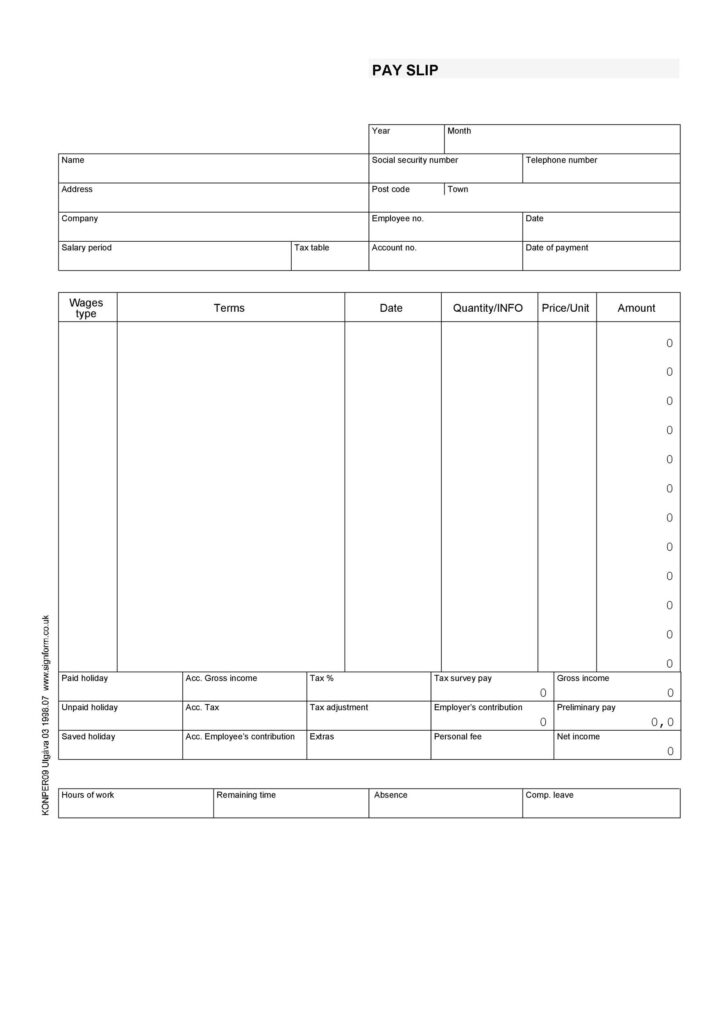

Paycheck Stub Template in Word
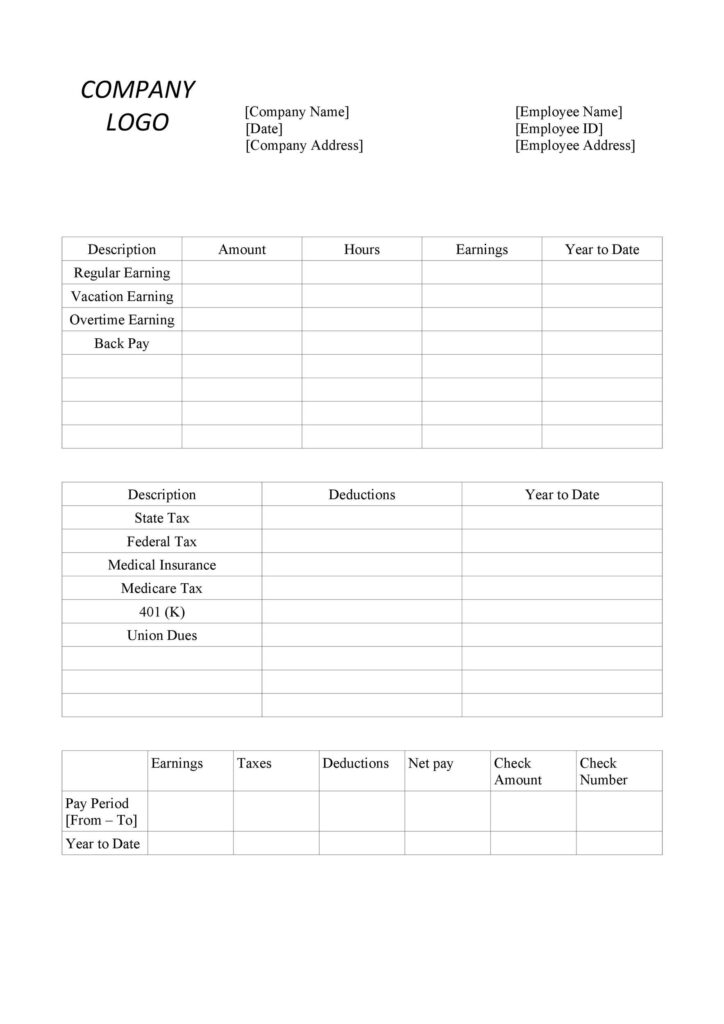
Sample Payroll Calculator Example
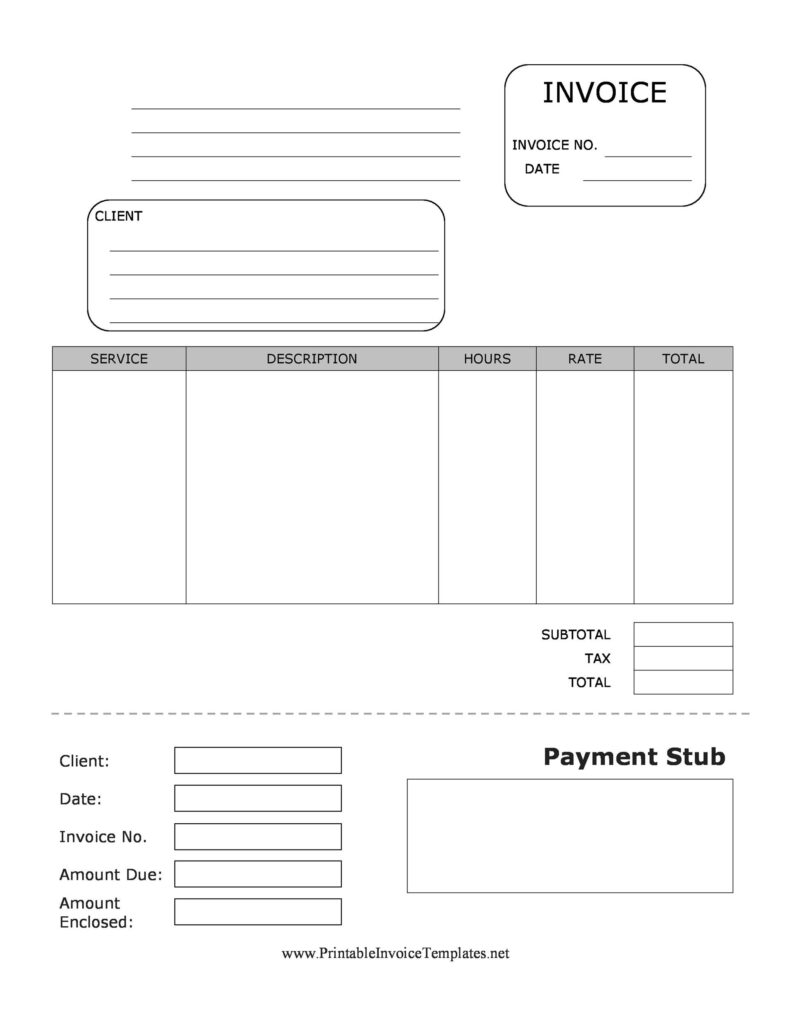
Earning statement (Pay Stub) sample
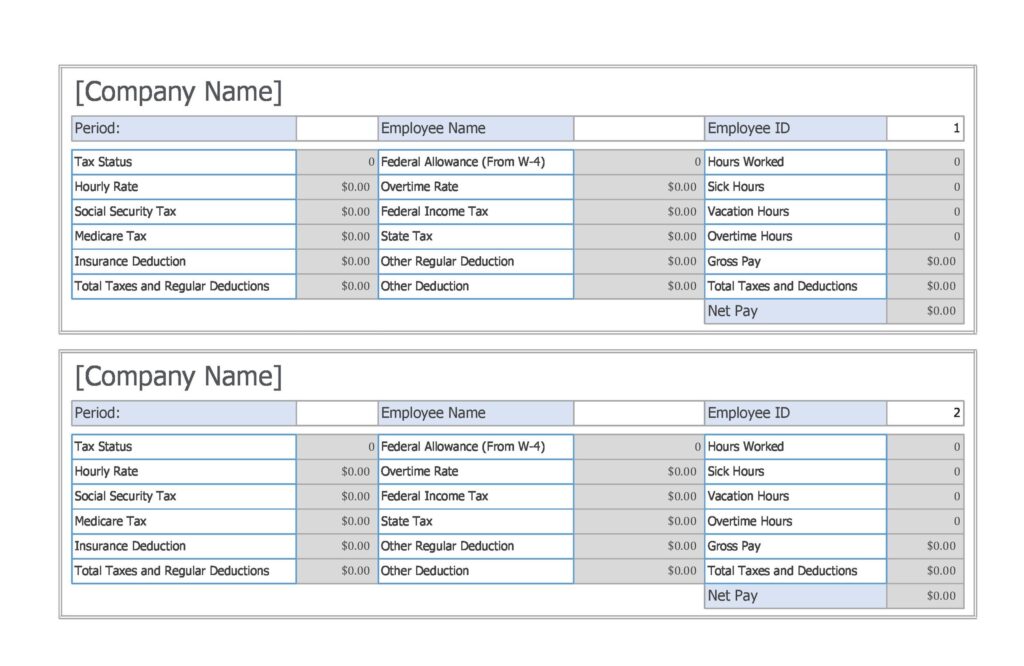
Word Pay Stub Template
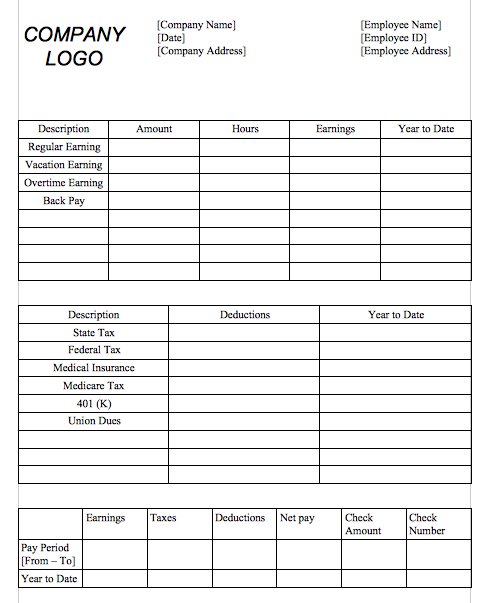
Pay Stub Template In Excel
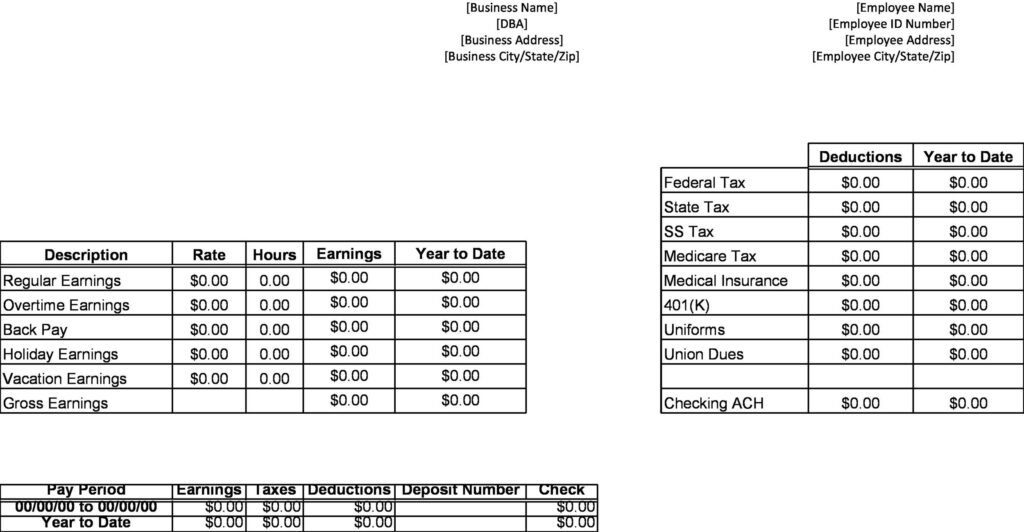
Pay Stub Template in Excel Format Free
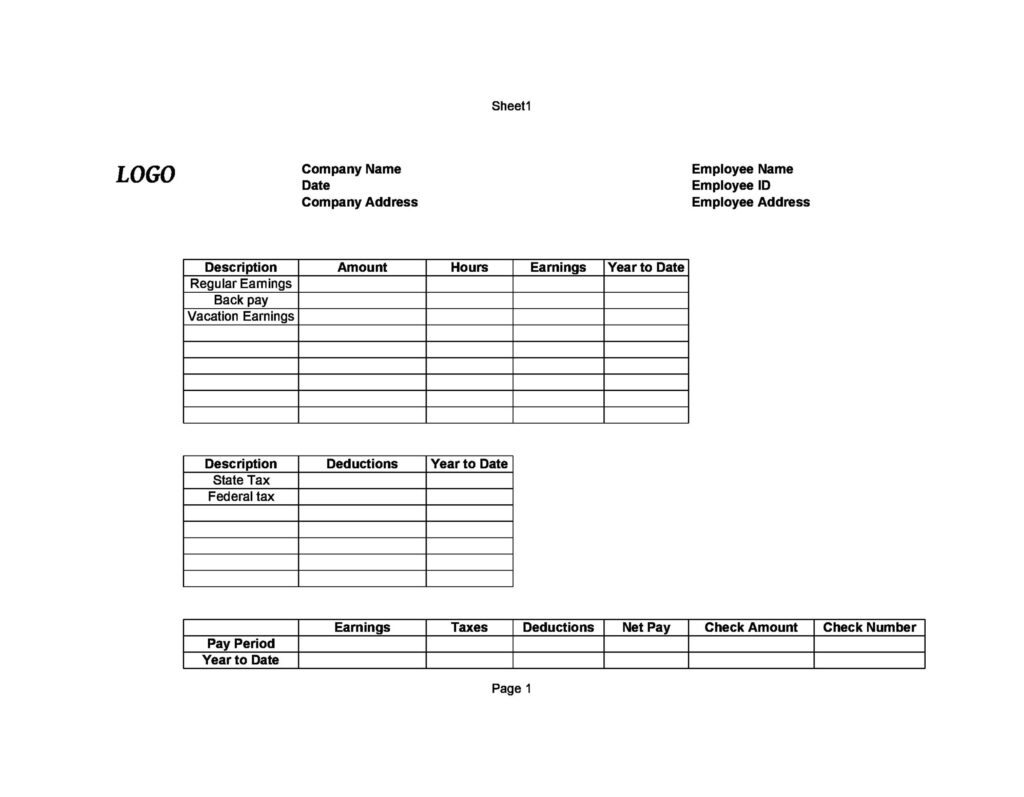
How to Use These Templates
- Choose a Word, Excel or PDF format.
- Enter the employer and employee details and the pay period.
- Add hours worked and the pay rate, or the salary amount.
- List each tax and deduction your payroll records show.
- Check that gross pay minus deductions equals net pay.
- Give the employee a copy and keep one for your records.
Who It’s For
These templates suit small business owners, household employers, bookkeepers and HR staff who prepare payroll records by hand.
- Small businesses with a few employees
- Household employers such as nanny or caregiver employers
- Bookkeepers preparing payroll records
- Contractors documenting regular payments
Tips for Creating Pay Stubs
- Use your payroll records. Every figure should match what was actually paid and withheld.
- Double-check the maths. Recalculate net pay before issuing the stub.
- Track year-to-date totals. They help at tax time.
- Know local requirements. Rules on what a pay stub must show vary by state or country.
- Never create false records. Pay stubs must reflect real payments.
Example: Check the Pay Calculation
In a fictional payroll run, 40 hours at 20 currency units per hour produces gross earnings of 800. If recorded deductions total 120, net pay is 680. These are illustrative figures, not tax rates. Enter the actual authorized deductions from your payroll records, and reconcile the resulting net amount with the payment issued. Check any spreadsheet formulas before using a downloaded workbook.
Use this collection when the main task is documenting the calculation behind a payment. Our payslip templates offer alternative presentation layouts for the same type of payroll record. For a self-employed supplier billing a customer, choose a contractor invoice instead. A bank reconciliation worksheet can help compare recorded payments with account activity; it does not replace an employer-issued pay record.
Frequently Asked Questions
What is a pay stub?
A pay stub is a document that shows an employee’s earnings for a pay period, the taxes and deductions taken, and the net amount paid.
What should a pay stub include?
Employer and employee details, pay period and date, hours and rate or salary, gross pay, each deduction, net pay and often year-to-date totals.
What is the difference between a pay stub and a W-2?
A pay stub covers one pay period. A W-2 is a US year-end tax form summarizing a year’s earnings and withholdings.
Related Templates
Download a free pay stub template above and give every employee a clear, accurate record of their pay.

You must be logged in to post a comment.