
An SOP template helps you document how a task should be done, step by step, so everyone does it the same way. Standard operating procedures reduce errors, speed up training and make quality easier to maintain.
Download five free standard operating procedure templates below. Each comes as a ZIP file containing an editable document.
What’s Included
- Five standard operating procedure template formats
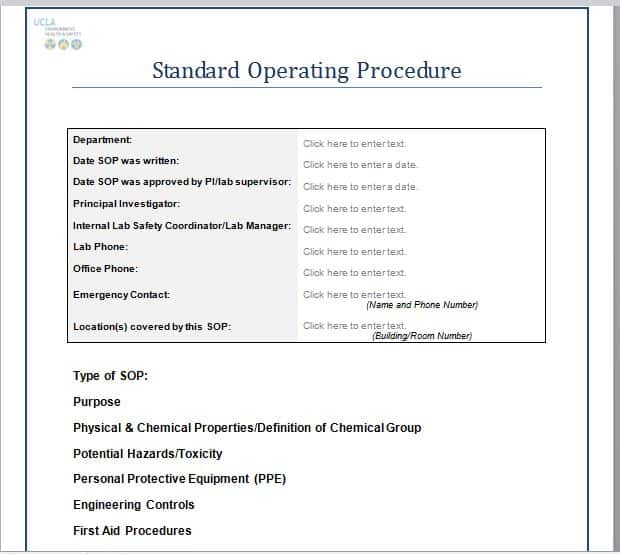
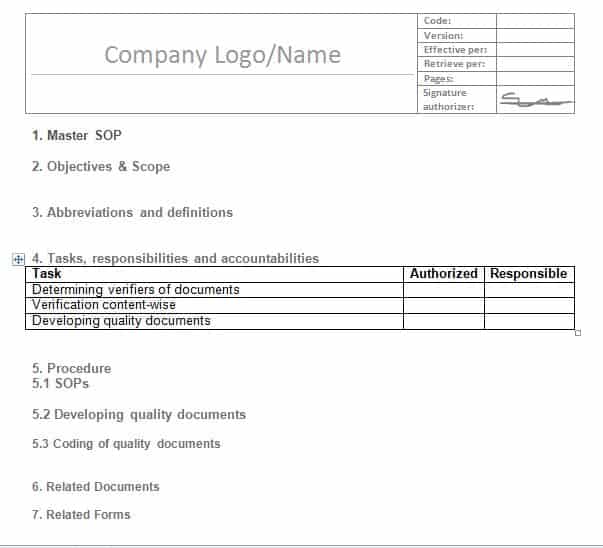
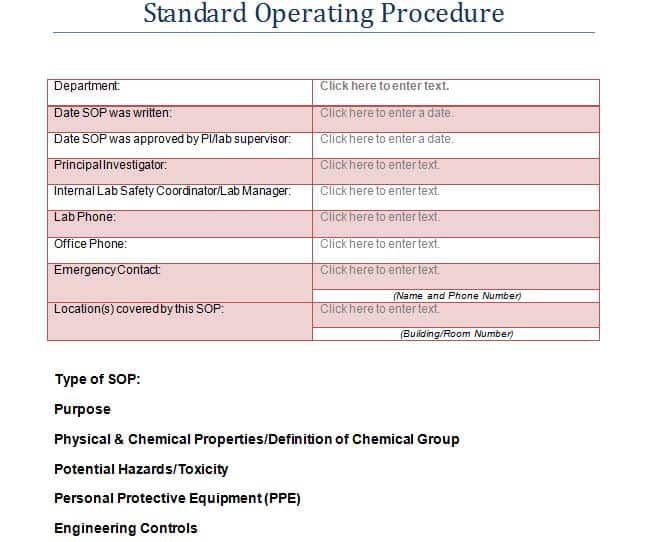
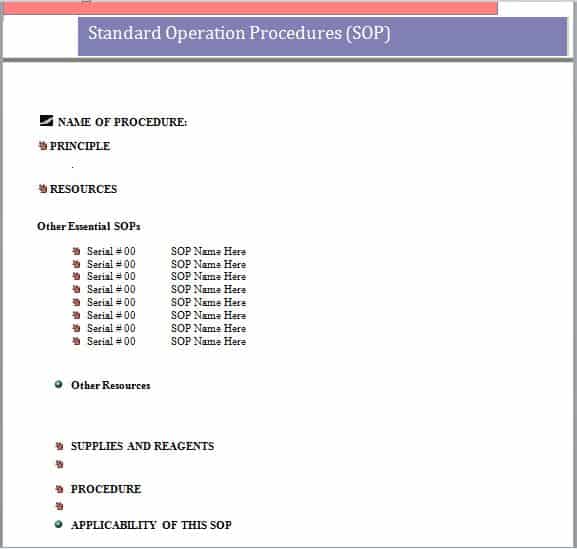
- Sections for purpose, scope, responsibilities and procedure steps
- Space for safety notes, references and revision history
- Editable files supplied in ZIP format
| Template | File format | Hosted on |
|---|---|---|
| SOP Template 1 | ZIP (zipped file) | GetWordTemplates |
| SOP Template 2 | ZIP (zipped file) | GetWordTemplates |
| SOP Template 3 | ZIP (zipped file) | GetWordTemplates |
| SOP Template 4 | ZIP (zipped file) | GetWordTemplates |
| SOP Template 5 | ZIP (zipped file) | GetWordTemplates |
Download the Free SOP Templates
Each download is a ZIP file. Save it, extract it, then open the document in Word.
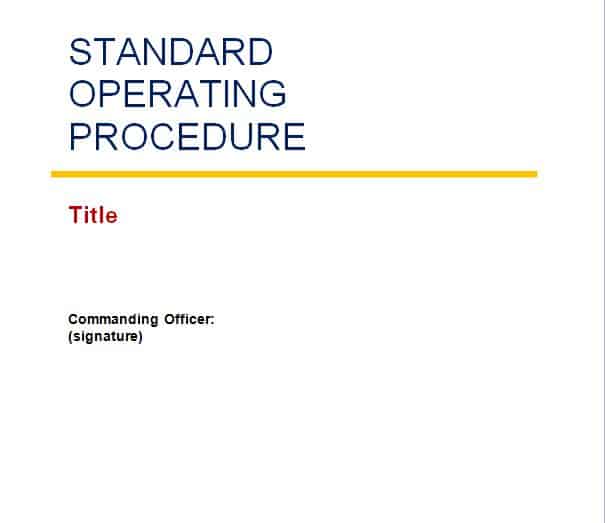
Standard Operating Procedure SOP Templates WORD

How to Use These Templates
- Choose the process to document and define its start and end points.
- Fill in the purpose, scope and who is responsible.
- Write each step as a clear instruction, in the order it happens.
- Add safety warnings, quality checks and required materials where relevant.
- Test the SOP with someone who hasn’t done the task before.
- Approve it, record the version and review it regularly.
Who It’s For
SOP templates are useful for operations managers, quality teams, small business owners, labs, healthcare providers, manufacturers and franchise businesses.
- Manufacturing and production
- Laboratories and healthcare
- Restaurants, retail and hospitality
- Office and administrative processes
Tips for Writing an SOP
- Start each step with a verb. ‘Check’, ‘Record’ and ‘Switch off’ are clear instructions.
- One action per step. Long steps are easy to misread.
- Include the why for critical steps. People follow rules better when they understand them.
- Use visuals where helpful. Photos or diagrams clarify complex steps.
- Control versions. Date every revision and remove old copies.
A Small SOP You Can Model
Procedure: log a customer support request. Owner: support coordinator. Trigger: a new email arrives. Step 1: assign a case number. Step 2: record the customer, issue and receipt time. Step 3: check for an existing open case. Step 4: route the request to the responsible team. Step 5: confirm the handoff and record the acknowledgement. Completion means the case has an owner and a traceable reference, rather than simply “email checked.”
Add a document owner, version number, approval date and review trigger to the chosen layout. Ask a colleague unfamiliar with the process to follow it and note where they need clarification. For equipment instructions, use a user manual; for a quick execution aid, use a checklist. Track repeated process failures with a fishbone diagram before revising the SOP.
Why SOPs Matter
Without documented procedures, quality depends entirely on who happens to be doing the work that day. Knowledge also walks out the door whenever an experienced employee leaves. A well-written SOP reduces errors, shortens training time for new hires, and makes it far easier to spot where a process is breaking down. That’s because you can compare what actually happened against what was supposed to happen. Many industries — healthcare, manufacturing, food service — also require documented SOPs to meet regulatory or safety standards.
Frequently Asked Questions
What is an SOP?
A standard operating procedure is a written set of step-by-step instructions that describes how to perform a routine task consistently.
What are the main sections of an SOP?
Typically purpose, scope, responsibilities, definitions, materials, procedure steps, safety notes, references and revision history.
How do I open the ZIP files?
On Windows or Mac, double-click the ZIP file or right-click and choose Extract. Then open the document in Word.
Related Templates
Download a free SOP template above and turn your team’s know-how into clear, repeatable procedures.

You must be logged in to post a comment.