
What Is a Client Information Sheet Template?
A client information sheet template is a ready-made form. It’s used to collect and organize essential details about a client or customer in one place. Businesses use these sheets to record contact information, service history, and preferences. These details make it easier to communicate with clients and provide consistent service over time. Instead of building a client intake form from scratch, you can download one of these templates and customize the fields to match your business. Then you can start using it right away.
Why a Client Information Sheet Matters
Keeping accurate, organized records of your clients makes every part of running a business smoother. This ranges from billing and follow-up communication to resolving complaints quickly. When client information is scattered across emails, sticky notes, or memory, it’s easy for details to get lost or forgotten. That can hurt customer relationships. A client information sheet centralizes everything your team needs to know about a client. Anyone in the organization can then pick up the file and immediately understand who the client is and how to reach them.
What to Include in a Client Information Sheet
A solid client information sheet should include the client’s full name, company (if applicable), phone number, email address, and mailing address. Depending on your industry, you may also want to record preferred contact method, service or product history, and billing information. Referral source and any special notes or preferences can be useful too. Medical, tax, photography, and corporate client sheets often need additional industry-specific fields. That’s why having a few different template styles on hand is useful.
Types of Client Information Sheet Templates
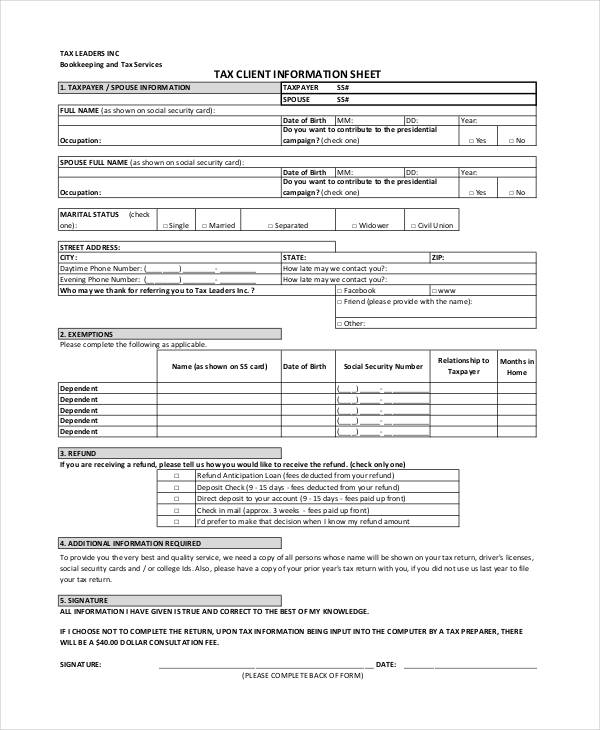
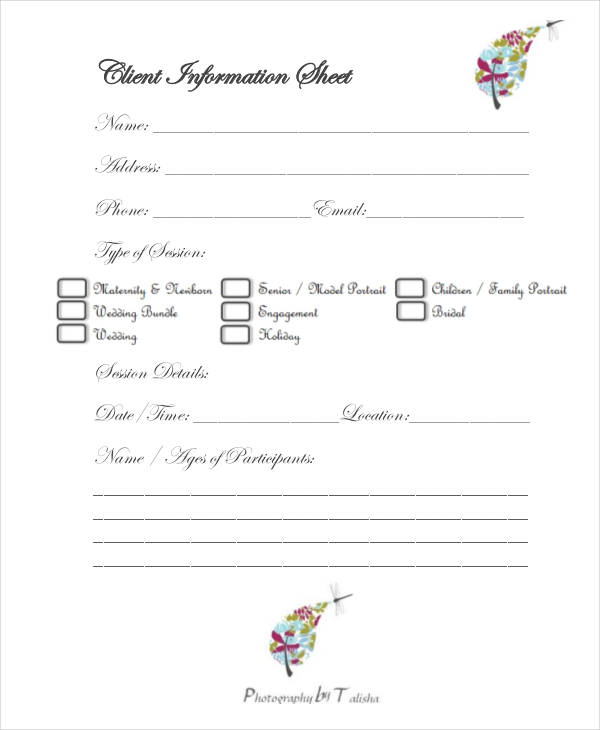
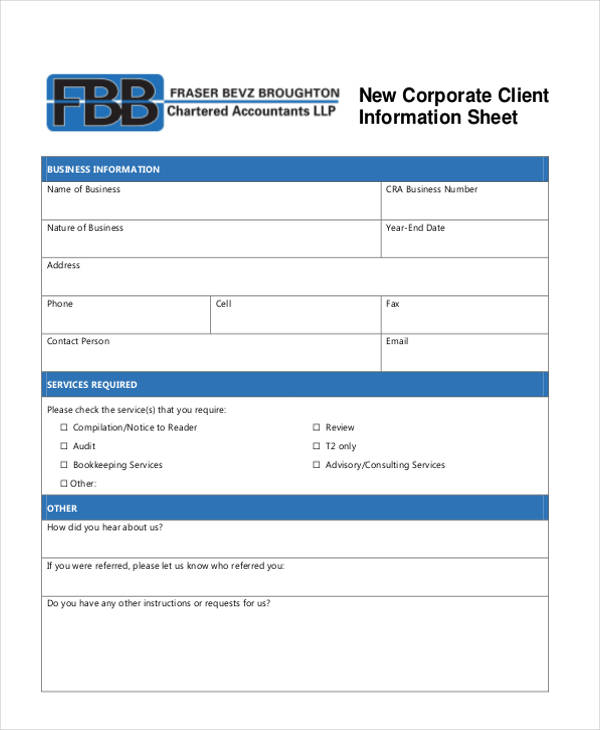
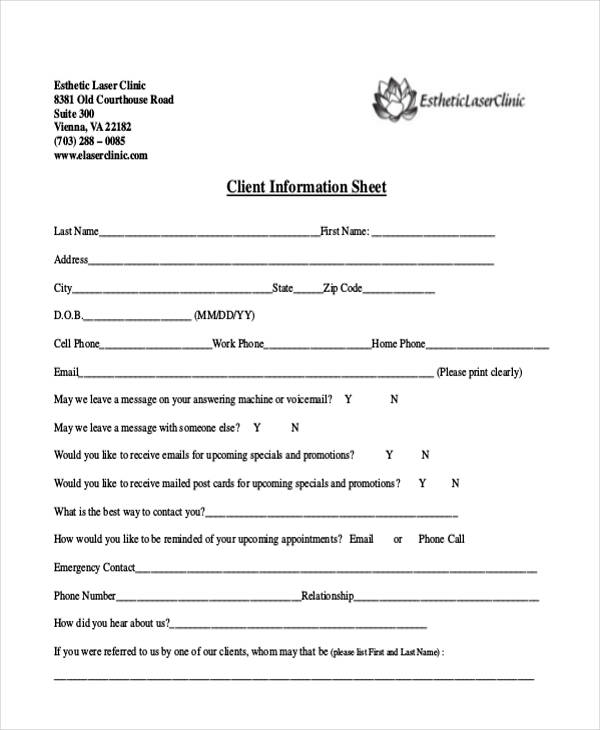
Different industries need different information from their clients. That’s why the templates below include several specialized versions alongside general-purpose options. You’ll find a tax client information sheet for accounting and tax preparation businesses, and a photography client information sheet for capturing shoot details and preferences. There’s also a corporate client information sheet for B2B relationships and a medical client information sheet for healthcare intake. There are also simple, general-purpose worksheets and sample sheets suited to almost any small business.
Tips for Using a Client Information Sheet
Update your client information sheets regularly, especially contact details, since outdated information can lead to missed communications. Store completed sheets securely, particularly when they contain sensitive information like billing or medical details. Make sure only authorized staff can access them. If your business handles a large client base, consider transferring the information into a digital customer relationship management (CRM) system. This makes sense once your client list grows beyond what a simple sheet can manage efficiently.
Download a Free Client Information Sheet Template
Below you’ll find several free client information sheet templates, including tax, photography, corporate, and medical versions. Click the download button under any template to get your own editable copy.
Client Information Sheet Templates WORD PDF

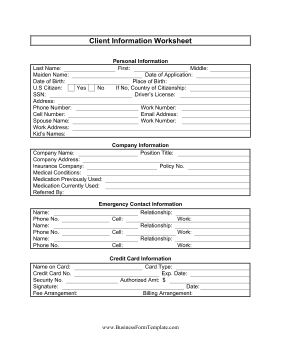
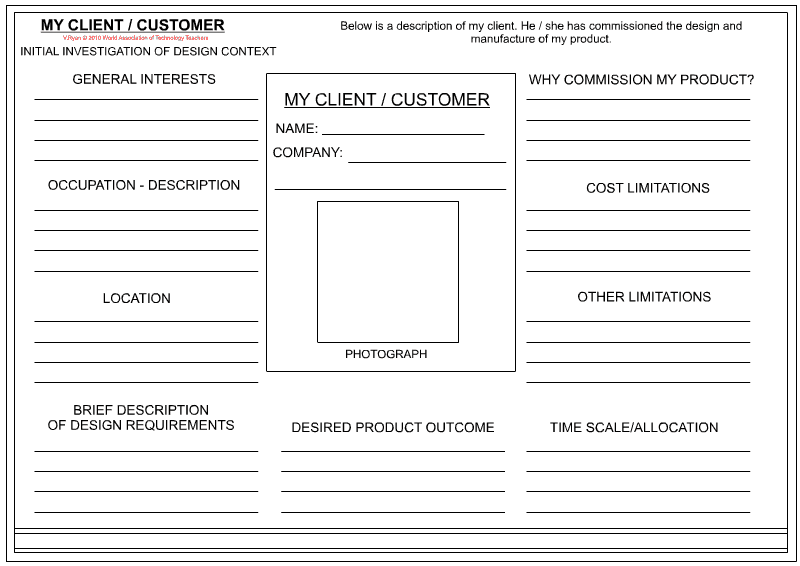
Client Information Sheet Sample
Frequently Asked Questions
What information should a client information sheet always include?
At minimum, it should include the client’s name, phone number, email address, and mailing address. Beyond that, the fields you add should reflect what your specific business needs to serve the client effectively.
Can I use the same client information sheet for every industry?
A general-purpose sheet works for many businesses, but industries like healthcare, tax preparation, and photography often benefit from a specialized template that captures the specific details those fields require.
How should I store completed client information sheets?
Store them securely, whether in a locked physical file or a password-protected digital folder, especially if they contain sensitive billing or medical information. Limit access to staff who genuinely need it.
When should I switch from paper sheets to a CRM system?
If you find yourself managing dozens or hundreds of clients and struggling to keep sheets organized or up to date, it’s usually a sign that a digital CRM system would serve your business better than individual paper or PDF sheets.

You must be logged in to post a comment.