
What Is a Phone Log Template?
A phone log template is a ready-made form for tracking every phone call made or received, whether for a business or for personal use. Keeping a proper record of phone calls and conversations helps a business maintain strong relationships with customers and other business contacts, so using a phone log template lets you start documenting calls in the best possible way right away. In today’s world, the telephone remains one of the most common and convenient ways people, families, businesses, and companies communicate, and a complete record of those calls allows both individuals and companies to stay in touch effectively for a wide range of reasons.
Why a Phone Log Matters
A phone log is a useful tool for tracking phone calls in an easy, productive manner. An up-to-date phone log gives you all the details about calls made to customers for generating sales, as well as calls to suppliers for purchasing materials and services. Having a phone log in place keeps personal and professional communication running smoothly, so always use one to record details such as the time, date, caller’s name, the message delivered, the duration of the call, and the name of the correct call recipient. Over time, this record becomes a valuable reference whenever a dispute or question arises about what was said or agreed to on a call.
What to Include in a Phone Log
A useful phone log should capture the date and time of the call, the caller’s name and contact information, the purpose or subject of the call, a brief summary of what was discussed, any follow-up action required, and the name of the person who handled the call. For business use, it also helps to note whether the call was inbound or outbound, since this distinction is useful when reviewing overall call volume and response times. The more consistently these fields are filled in, the more valuable the phone log becomes as a searchable record of communication history.
Types of Phone Logs
A phone log can be used for a variety of reasons. A business or company might use one to keep a call record on hand, or to manage and monitor phone call costs over a particular period. A customer service phone log tracks support calls and their resolutions. A sales call log tracks outreach to prospects and existing clients. An academic or institutional phone log, such as one used by a school or university, tracks calls related to inquiries, applicants, or parents. A phone log can be made on simple paper manually, but if you want a professional, computerized look, using a phone log template is by far the more efficient option.
Tips for Keeping an Effective Phone Log
Fill in the phone log immediately after each call rather than waiting until the end of the day, since details are much easier to recall accurately right after the conversation. Be specific when summarizing what was discussed, especially for calls involving commitments, pricing, or deadlines, since a vague note is often useless later. Review the log periodically to spot recurring callers, common issues, or follow-ups that may have been missed. If multiple people are answering calls, keep the phone log in a shared, centralized format so everyone has access to the same up-to-date record.
Free Phone Log Templates
Choose from the downloadable files below. Each retained preview has an associated file link; check the file format before opening it in your software.
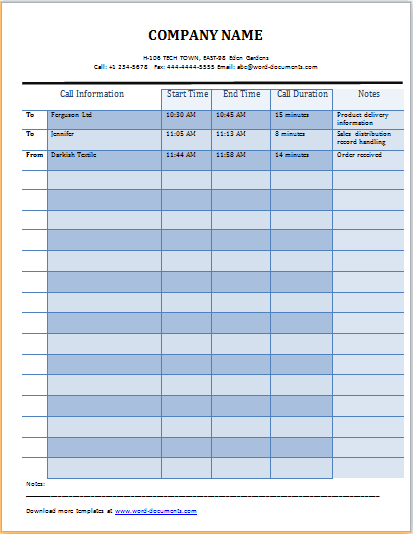
Easy to use Microsoft excel phone log sample

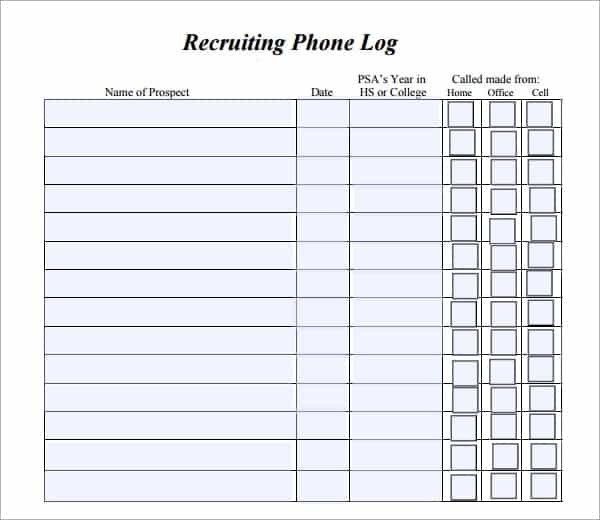
Use this phone log to keep track of job applicants’ phone
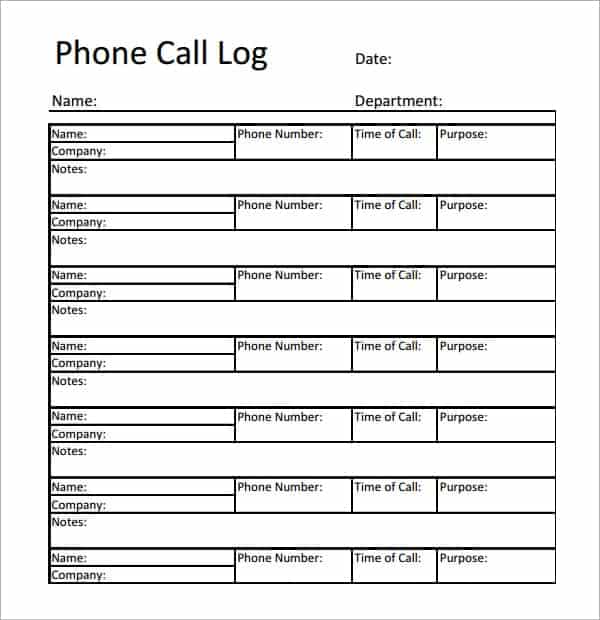
Free printable phone log example
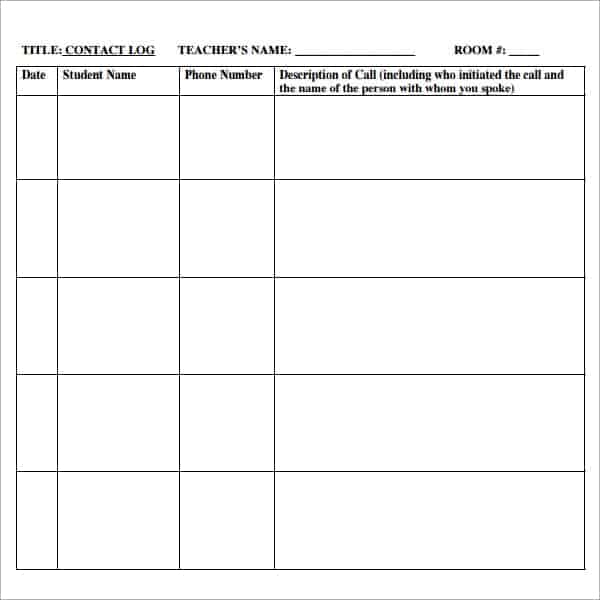
Academic phone log for schools/colleges/universities
Related Templates
Looking for something similar? Check out our daily activity log templates, daily work log templates, and vehicle mileage log templates.
Example: Close the Loop on a Customer Call
A useful fictional entry reads: “14 October, 10:20, inbound, Alex at Northside Supplies, asked for delivery confirmation on order NS-204. Handler: Priya. Next action: verify dispatch and call back by 14:00. Status: open.” After the callback, record the actual result and closing time rather than deleting the original request.
A phone log tracks the history of multiple calls; an individual telephone message passes a specific request to someone who was unavailable. Keep sensitive details out of a broadly shared log and give access only to the people handling those calls. Review open follow-ups at the start and end of each shift.
Use the call log alongside our telephone message templates, client information sheet templates, weekly report templates.
Frequently Asked Questions
What is the purpose of a phone log?
A phone log keeps a written record of phone calls made or received, including who called, when, and what was discussed, which helps individuals and businesses track communication history and follow up accurately.
Should I use Word or Excel for a phone log template?
Excel is usually better if you want to sort, filter, or total your call records, while Word or a printable PDF works well if you prefer a simple paper log you can fill in by hand.
How long should call records be kept in a phone log?
This depends on your business needs and any applicable record-keeping policies, but many businesses keep phone logs for at least a year for reference, follow-up, and dispute resolution purposes.
Can a phone log template be used by a team?
Yes, many of the phone log templates here can be shared across a team or department by using a shared spreadsheet or centralized document, so every call is logged in one consistent place.

You must be logged in to post a comment.