
What Is an Incident Report Template?
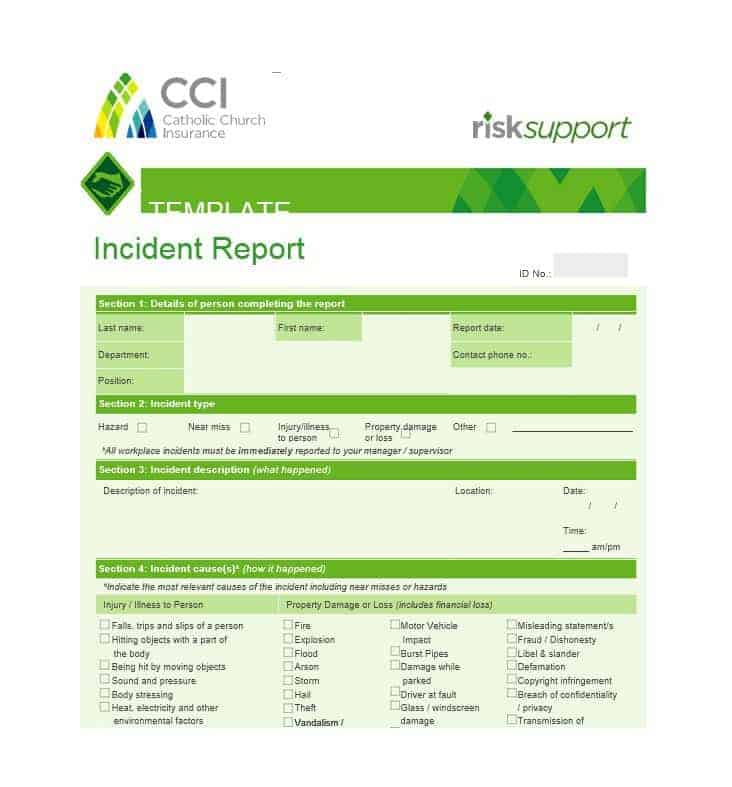
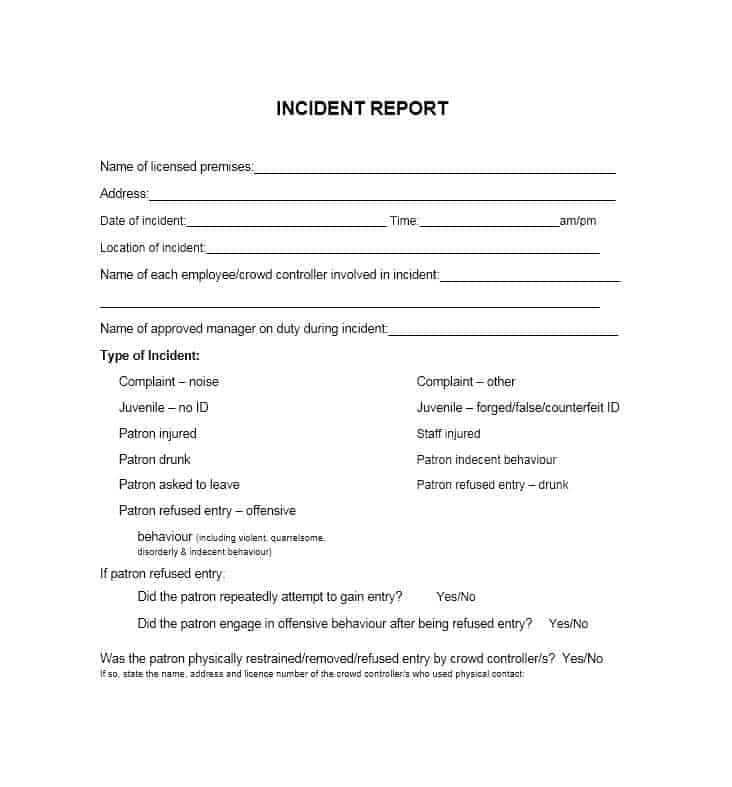
Writing an incident report can consume a lot of your time. An incident report template helps you save that time by giving you a formal, ready-made format to explain the details and facts about an incident or accident. Incident reports document an incident, accident, or other adverse event in a detailed, organized manner. This structure helps authorities investigate the matter properly. An incident report must include all the essential information about the event. A reliable incident report template shows you exactly what should be included, so the report stays meaningful and useful.
Why Incident Reports Matter
Reporting accidents, dangerous occurrences, or other similar happenings calls for a well-written incident report. It is the professional, standard way to document what happened. Incident reports are written in companies, businesses, and communities to document employee incidents as well as other general accidents. The primary purpose of an incident report is to record a complete account of the information and circumstances surrounding an incident. It should also include suggestions to help prevent the hazardous condition from happening again. A thorough incident report protects the organization and supports insurance or legal processes when needed. It also helps identify patterns that could point to a larger underlying safety issue.
What to Include in an Incident Report
Incident report writing is not an easy task if you are not following an accurate format. This is exactly why using an incident report template makes such a difference. A complete incident report should include the date, time, and location of the incident, along with the names of those involved and any witnesses. It should also include a factual description of what happened, any injuries or damage that occurred, and the immediate actions taken in response. Keep in mind that an incident report is meant to be a basic, factual document. Avoid unnecessary details and personal opinions about the incident, since they could interfere with the authorities’ or organization’s further investigation.
Types of Incident Reports
Incident reports vary depending on the setting and the nature of the event. A workplace injury report documents an employee accident and the resulting medical response. A health and safety incident report focuses on hazards or near-misses that could have caused harm. An equipment incident report documents damage, malfunction, or failure of machinery or tools. A general or customer incident report covers accidents involving visitors, customers, or members of the public on a company’s premises. Selecting the incident report template that matches the type of event you are documenting matters. It ensures the report captures the specific details that matter most for that situation.
Tips for Writing a Clear Incident Report
Complete the incident report as soon as possible after the event, while the details are still fresh. Delayed reporting often leads to missing or inaccurate information. Stick to observable facts rather than assumptions or blame. Speculation can undermine the credibility of the report during a later investigation. Be specific about times, locations, and the sequence of events. Include the names of any witnesses who can corroborate the account. Once complete, have the report reviewed and signed by a supervisor or relevant authority. This confirms it has been properly recorded and will be acted upon appropriately.
Free Incident Report Templates
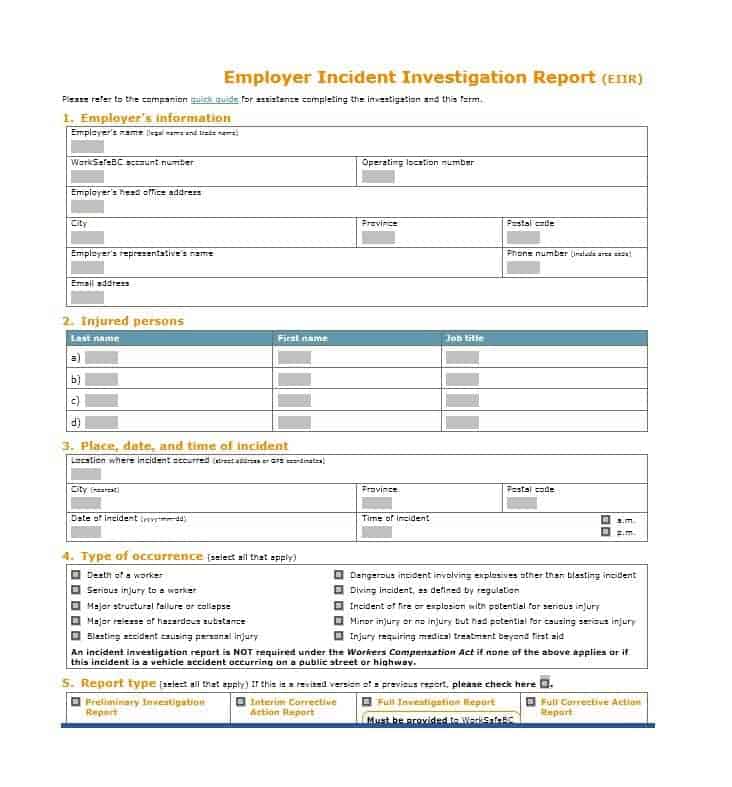
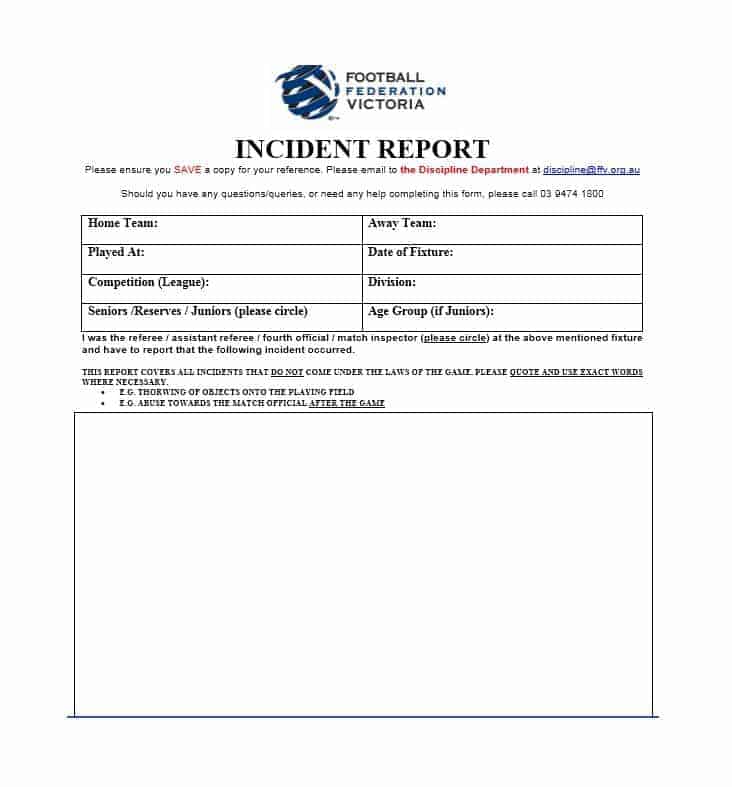
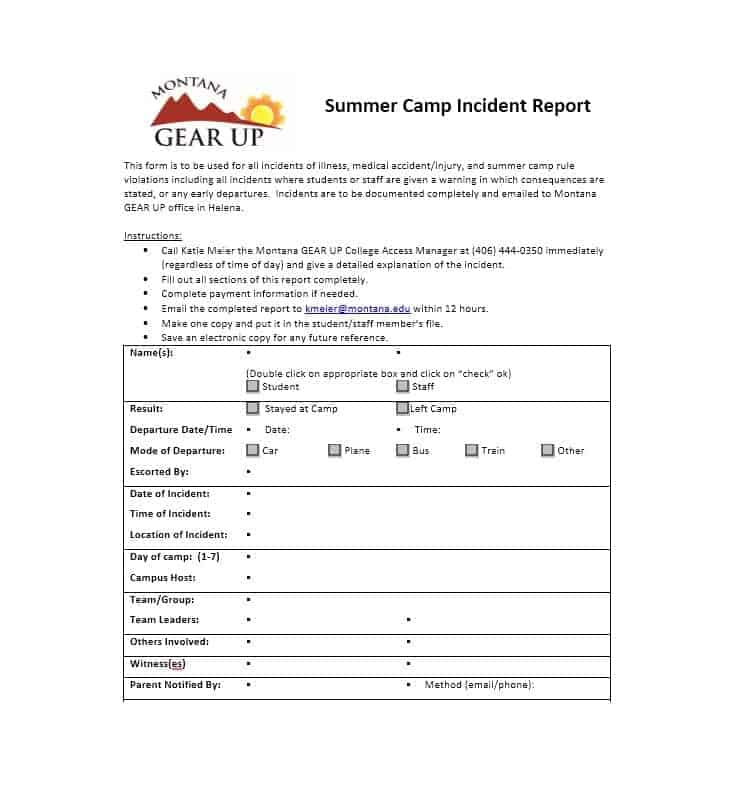
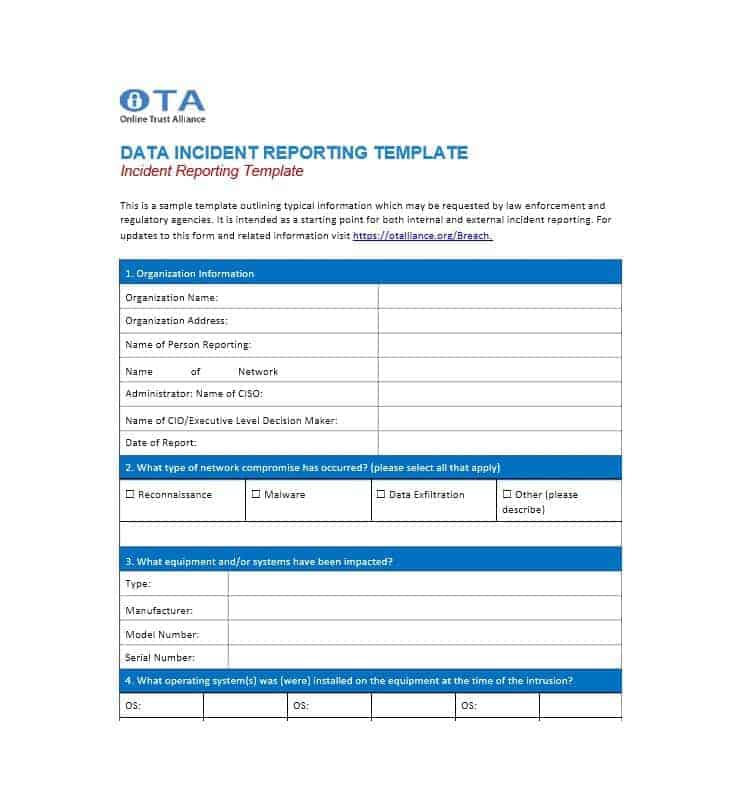
Choose from the downloadable files below. Each retained preview has an associated file link; check the file format before opening it in your software.
Incident Report Templates Are Here

A Factual Incident Description
A fictional entry could read: “At 10:15 on 14 October, a visitor slipped near the reception entrance. I observed water on the tiled floor. The area was cordoned off at 10:18 and the duty manager was notified.” Record who observed each fact and put witness accounts in separately attributed sections. Do not change “water observed” into an unverified claim about who caused the spill.
Keep the immediate response separate from the investigation findings and proposed preventive actions. Attach photographs or records using clear reference numbers, follow the organization’s access rules, and record corrections with a date. A general template supports documentation; it does not establish that all reporting obligations have been met.
Use the report to support follow-up with our fishbone diagram templates, standard operating procedure (sop) templates, action plan templates.
Frequently Asked Questions
How soon should an incident report be filed after an event?
Ideally, an incident report should be completed as soon as possible, within 24 hours if practical. This keeps the details clear and accurate in the minds of those involved.
Who should complete an incident report?
Typically, the person who witnessed the incident or the supervisor on duty at the time completes the report. In some workplaces, the affected employee also provides a written statement.
Should an incident report include personal opinions about fault?
No, an incident report should stick to observable facts. Personal opinions or assumptions about blame can compromise the objectivity of the report and complicate any later investigation.
What happens to an incident report after it is filed?
This varies by organization, but most incident reports are reviewed by a supervisor or safety officer and filed for record-keeping. They are sometimes used to identify patterns that require broader safety improvements.

You must be logged in to post a comment.