
What Is a Pay Stub?
A pay stub (also called a paycheck stub or payslip) is the document an employee receives alongside their paycheck. It itemizes exactly how their pay was calculated. A detailed pay stub shows gross earnings, hours worked, tax withholdings, insurance and retirement contributions, and net take-home pay. This gives both the employer and the employee a clear paper trail for every payment.
Why a Proper Pay Stub Matters
Beyond payroll record-keeping, pay stubs are often required as proof of income for loan applications, rental agreements and tax filing. Accuracy matters for all of these. For employers, issuing clear, itemized pay stubs also reduces payroll disputes. When deductions and hours are spelled out in writing, there’s far less room for confusion or disagreement down the line.
What a Pay Stub Should Include
At minimum, a pay stub should list the employee’s name and ID, the pay period dates, and gross pay. It should also itemize deductions (federal and state tax, Social Security, Medicare, insurance, retirement) and net pay. Hourly employees should also see hours worked and the applicable rate, including any overtime. Year-to-date totals for earnings and deductions are also common. They help employees track their annual income without having to add up every pay stub themselves.
Pay Stub vs. Paycheck vs. W-2
These three terms get mixed up often, but they’re not the same thing. A paycheck (or direct deposit) is the actual payment. A pay stub is the itemized breakdown of that single payment, issued every pay period. A W-2 (in the U.S.) is an annual summary of total wages and withholdings for the whole year, used for filing taxes. In short: pay stubs accumulate throughout the year into the totals that eventually appear on the W-2.
How to Create a Pay Stub Using These Templates
Download the format that matches your software. Word works well if you’re filling it in manually each pay period. Choose Excel if you want built-in formulas to calculate deductions and net pay automatically, or PDF if you just need a clean, non-editable format to send. Fill in the employee and company details once, then update the hours, gross pay and deduction figures each pay period. If you’re running payroll for more than a handful of employees, it’s worth double-checking your calculations against your state’s current tax tables. Rates change periodically.
A Note on State Requirements
Pay stub requirements vary by location. Some U.S. states legally require employers to provide a written or electronic pay stub with every payment, while others don’t. These templates give you a solid, professional starting format. But if you’re setting up payroll for a business, it’s worth confirming your specific state or country’s requirements rather than assuming a template alone covers your legal obligations.
Free Pay Stub Templates
Choose from the downloadable files below. Each retained preview has an associated file link; check the file format before opening it in your software.
Free Pay Check Stub Template
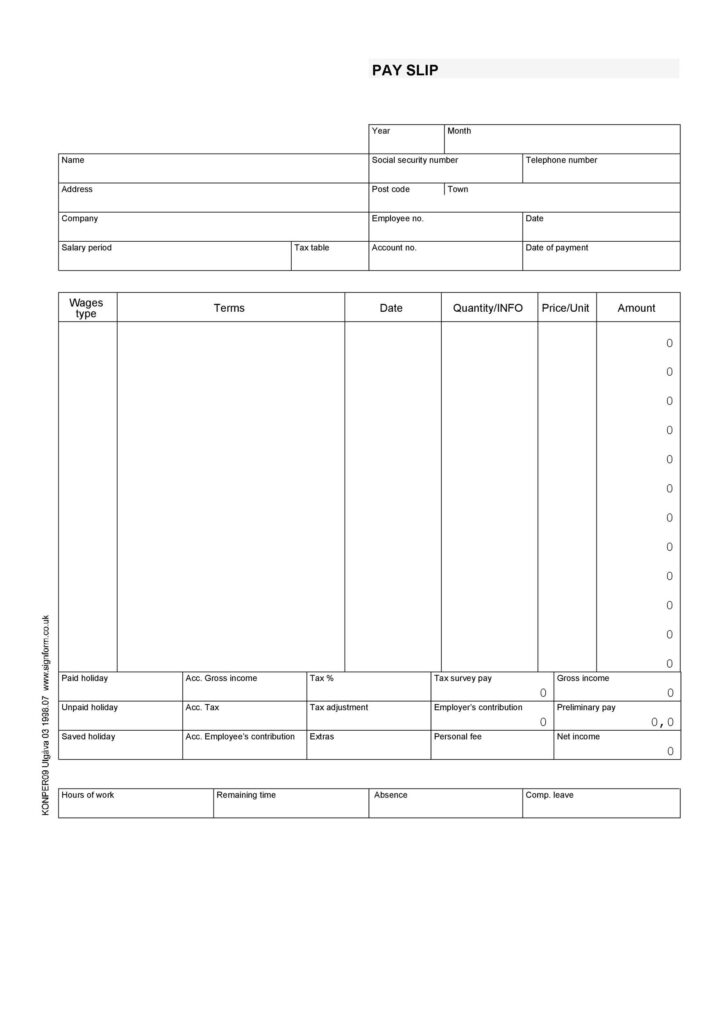

Paycheck Stub Template in Word
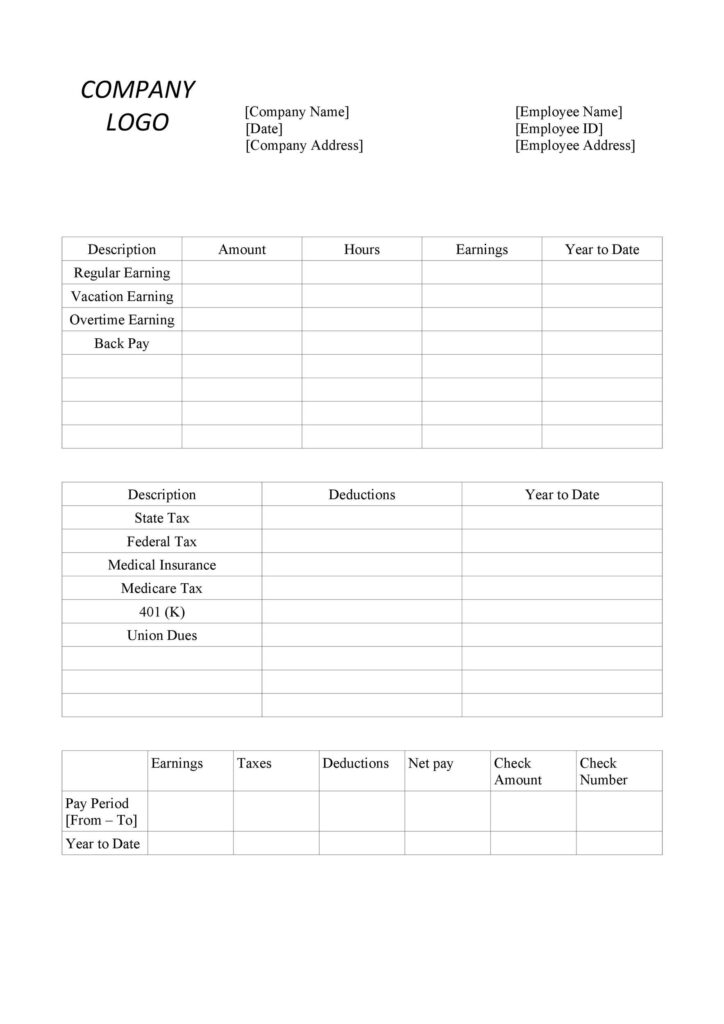
Sample Payroll Calculator Example
Earning statement (Pay Stub) sample
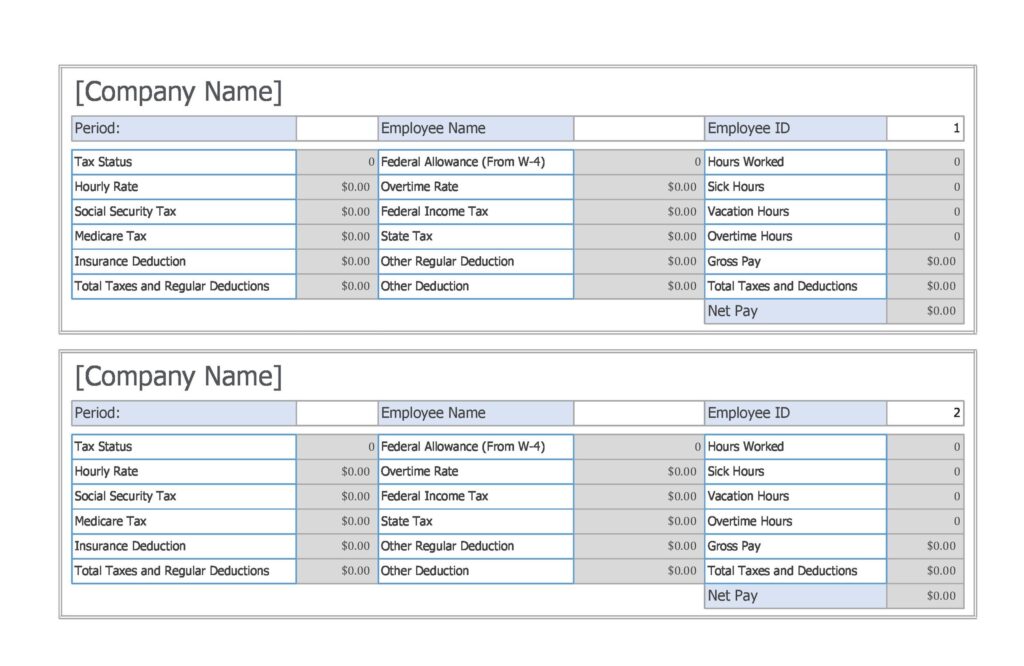
Word Pay Stub Template
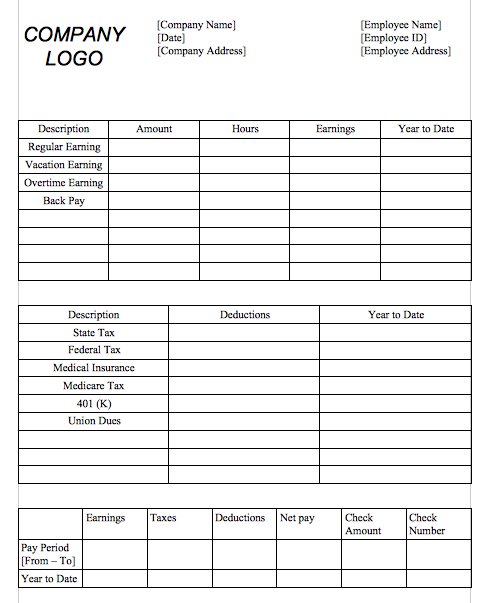
Pay Stub Template In Excel
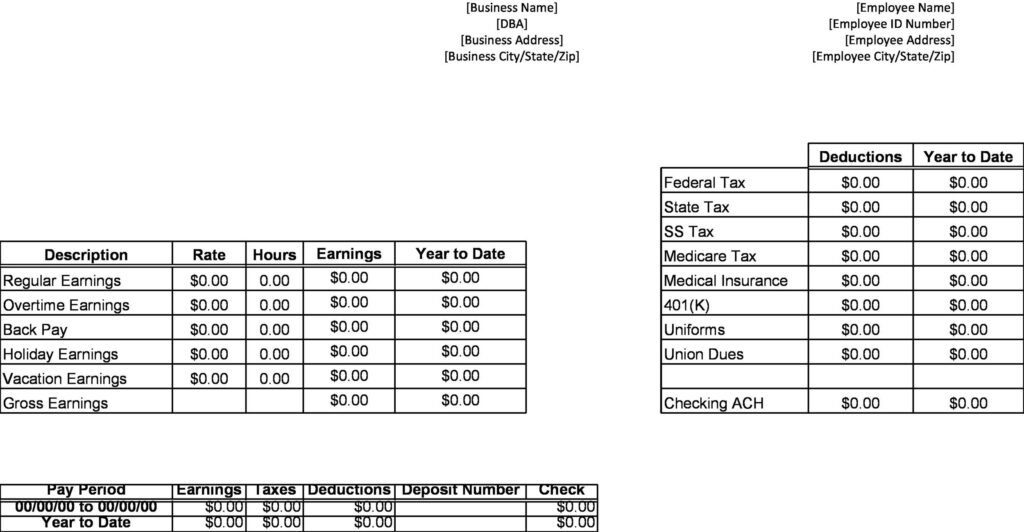
Pay Stub Template in Excel Format Free
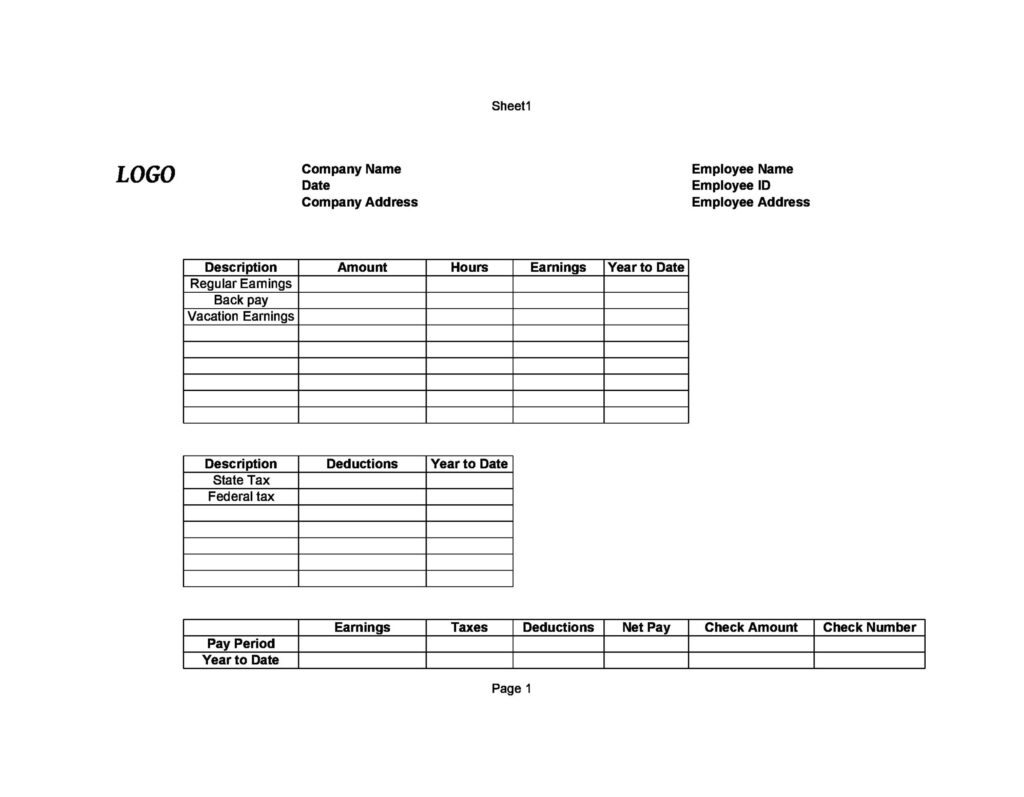
Example: Check the Pay Calculation
In a fictional payroll run, 40 hours at 20 currency units per hour produces gross earnings of 800. If recorded deductions total 120, net pay is 680. These are illustrative figures, not tax rates. Enter the actual authorized deductions from your payroll records, and reconcile the resulting net amount with the payment issued. Check any spreadsheet formulas before using a downloaded workbook.
Use this collection when the main task is documenting the calculation behind a payment. Our payslip templates offer alternative presentation layouts for the same type of payroll record. For a self-employed supplier billing a customer, choose a contractor invoice instead. A bank reconciliation worksheet can help compare recorded payments with account activity; it does not replace an employer-issued pay record.
Frequently Asked Questions
What’s the difference between a pay stub and a paycheck?
A paycheck is the actual payment, or the direct deposit itself. The pay stub is the itemized statement that breaks down how that payment amount was calculated, including deductions and hours worked.
Can I use these templates for both hourly and salaried employees?
Yes — most of the templates above can be adapted for either pay structure. For hourly staff, fill in the hours-worked and rate fields. For salaried employees, you can leave those blank and enter the fixed salary amount directly.
Do I need special software to generate pay stubs?
No — the Word and Excel templates above only require the programs most people already have. The Excel version is worth using if you want the deduction and net-pay math calculated automatically rather than by hand.
How long should employers keep old pay stub records?
Retention requirements vary by location, but many businesses keep payroll records for several years for tax and audit purposes. Check your local labor and tax authority’s specific guidance to confirm the exact period that applies to you.

You must be logged in to post a comment.