
What Is a Wanted Poster Template?
A wanted poster template is a ready-made design you can customize with a photo, a name and a short description. It lets you create your own wanted-style poster in minutes. Traditionally, a wanted poster is a public notice issued by a law enforcement agency to alert the public about a person sought for a crime. But the same eye-catching format has become popular for parties, classroom history projects, April Fools’ pranks, and birthday “most wanted” gags. Because the visual style is so recognizable — bold headline, mugshot-style photo, reward line — it works as an attention-grabbing design. That holds true even outside its original context.
A Brief History of the Wanted Poster
Wanted posters date back centuries. But the format most people picture today — a large “WANTED” headline over a photo, with physical details and a reward listed below — became standardized in the American Old West. It was later popularized by agencies like the FBI in the 20th century. The layout was designed to be read at a glance and to stick in memory. That’s exactly why it still works as a design template today, whether the goal is genuine public safety or a bit of party fun.
What Goes on a Wanted Poster
A classic wanted poster includes a large “WANTED” headline, a photo or sketch of the person, and their name (real or a joke alias). It also includes physical details such as age, height and eye color, a short description of the alleged offense, and a reward amount. For a prank or party version, you can swap the reward for something playful — a favor owed, a nickname, or an inside joke. Just keep the classic Old West or FBI-style layout intact.
Popular Uses Beyond Law Enforcement
Today, most people downloading a wanted poster template aren’t law enforcement at all. Teachers use them for history assignments where students research a historical figure and design a period-accurate poster. Party planners use them for cowboy-themed birthdays, retirement roasts, or bachelor and bachelorette parties, listing the guest of honor’s “crimes” as inside jokes. Office teams use a lighthearted version to welcome a new hire or poke fun at a colleague’s habits. The format’s familiarity is exactly what makes it effective for all of these — everyone instantly recognizes what it’s referencing.
How to Make One
You don’t need design software to put a wanted poster together. Microsoft Word handles text boxes, borders and photo placement well enough for a convincing result. Programs like Photoshop or Canva give you more control over aging effects, torn edges and vintage textures if you want a more authentic look. Starting from one of the templates below is the fastest route either way. The layout and spacing are already done, so you just add your own photo and details.
Tips for a More Convincing Design
If you want the poster to look genuinely old-fashioned, print it on cream or tan paper instead of white. Then consider lightly crumpling and flattening the page for a worn texture. Stick to a serif or typewriter-style font for the headline rather than a modern sans-serif. It does more for authenticity than almost anything else. For a party or prank version, keep the tone consistent throughout. Mixing a serious-looking design with obviously joke text usually reads better than trying to make the whole thing look 100% real.
Free Wanted Poster Templates
Download one of the wanted poster designs below in Word or PDF format, free of charge, and edit it with your own photo and wording.
Sample Wanted Poster Template
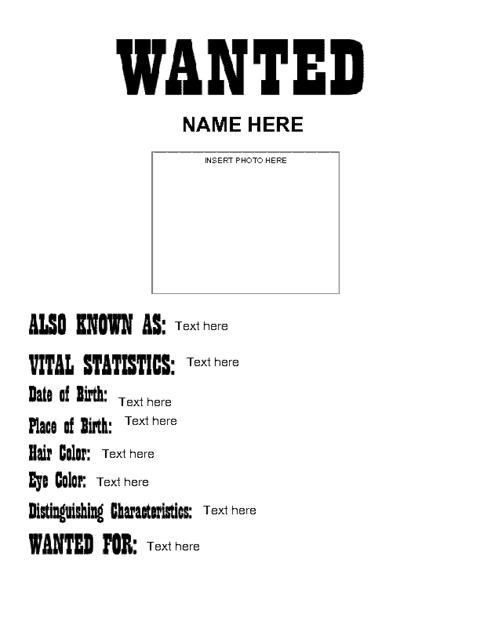

Wanted Poster Template in Word
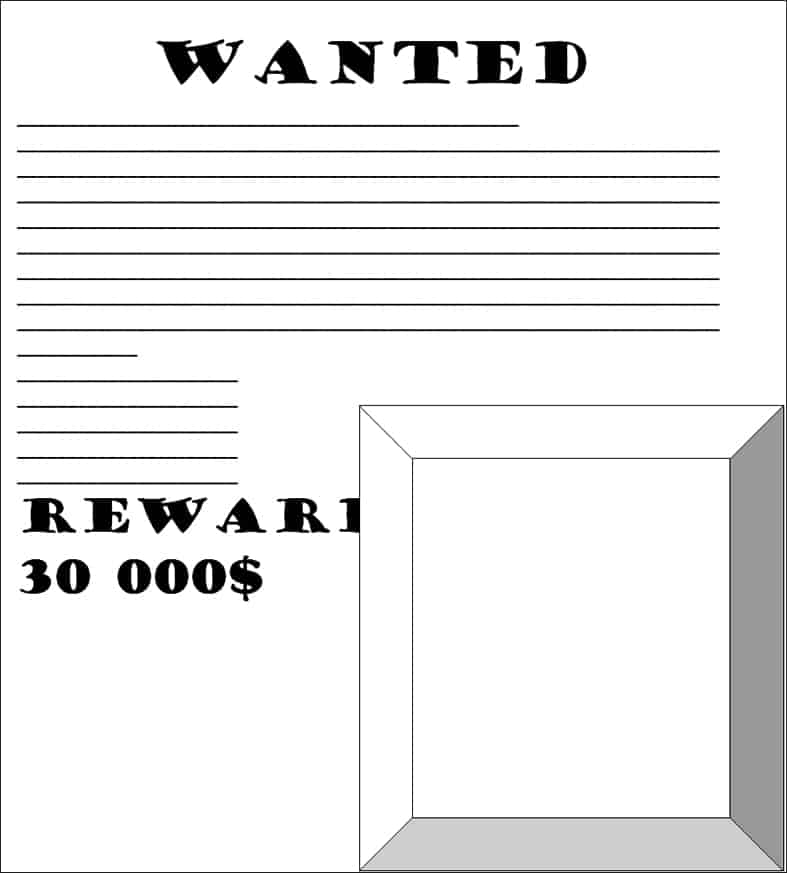
Free Wanted Poster Template
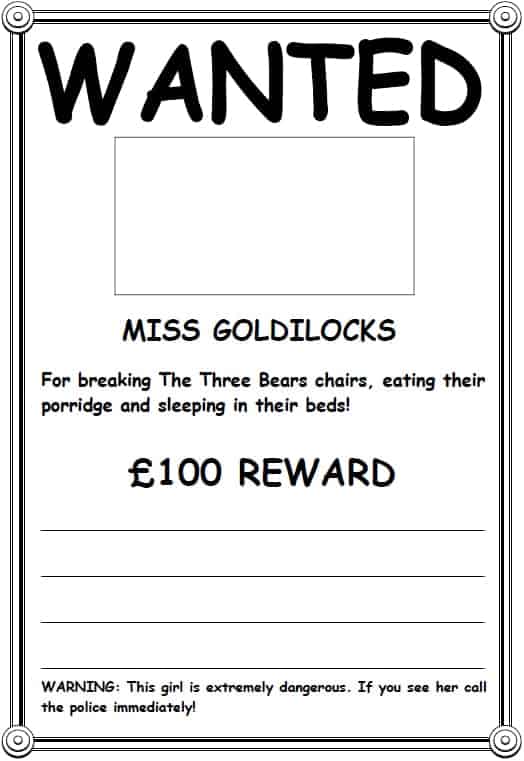
Frequently Asked Questions
Can I use a wanted poster template for a party invitation?
Yes — a wanted poster layout works well for birthday parties, retirement send-offs or bachelor/bachelorette invites. Just replace the offense description with party details and the reward line with the event time and location.
What file format is easiest to edit?
The Word (.doc) versions above are the easiest to edit since you can change the text and swap the photo directly in Microsoft Word without any design software.
Is it okay to use a real person’s photo on a joke wanted poster?
Only with that person’s consent, and it’s worth being thoughtful about the wording — keep the “crimes” clearly good-natured. For a classroom history project, use a portrait or public-domain image of the historical figure being studied instead.
Can these templates be resized for printing as a large poster?
Yes, the Word versions can be scaled up in your print settings. For a large, high-resolution print (poster-size or bigger), though, you’ll get sharper results by adjusting the page size in Word before adding your photo, rather than stretching a small printed copy.

You must be logged in to post a comment.