
What Is a Daily Activity Log Template?
A daily activity log template is a ready-made worksheet that lets you record what you did, hour by hour, throughout the day. Instead of building a tracking table from scratch every morning, you fill in a layout that already has time slots, task columns and notes fields in place. Tracking your day then takes minutes rather than becoming a task of its own. Whether you’re a freelancer billing by the hour, a manager trying to understand where your team’s time actually goes, or simply someone who wants to be more intentional with their day, a structured log helps. It removes the guesswork from time management.
Why Track Your Daily Activities?
Most people underestimate how much time slips away on email, meetings and low-value tasks until they actually write it down. A daily activity log turns that guesswork into data. After a week or two of consistent tracking, patterns show up on the page. You’ll notice the hours lost to interruptions every afternoon and the tasks that always run longer than planned. You’ll also see the blocks of real focused work you didn’t realize you had. That visibility is what makes it possible to cut unproductive habits and protect time for what actually matters. This holds whether you’re managing your own schedule, a household, or a team. Time-tracking research consistently shows that people who log their activities, even informally, become measurably more productive simply because awareness changes behavior.
What to Include in Your Log
A useful daily activity log usually tracks the time an activity started and ended, a short description of the task, and the category it falls under (work, personal, admin, break). It also notes whether the activity was planned or unplanned. Several of the templates below also include a notes or priority column. This is worth using if you want to know not just where your time goes, but which of those activities were actually worth doing. If you’re tracking activity for a specific purpose — billing clients, monitoring a driver’s hours, or logging a baby’s feeding and sleep schedule — look for a template built for that use case. Adapting a generic one is more work, since the column layout in a purpose-built template will already match what you need to record.
Types of Daily Activity Logs
Not every activity log serves the same purpose. A general daily activity log is built for personal or office time-tracking and usually breaks the day into hourly or half-hourly blocks. A driver’s activity log records duty status, driving hours and rest breaks, often to meet hours-of-service requirements. A work activity log focuses specifically on job tasks and project time for billing or performance review. And a baby or childcare activity log tracks feeding times, naps, diaper changes and other care activities instead of work tasks. The collection below includes examples of each. That way you can pick the format that actually matches what you’re recording, rather than forcing a generic table to do a specialized job.
How to Use a Daily Activity Log Effectively
The templates below only work if you actually fill them in consistently. Log activities as they happen rather than trying to reconstruct your day from memory in the evening. Memory is unreliable, and you’ll lose the small interruptions that add up. Review your log at the end of each week rather than daily. A single day rarely tells you anything useful, but a week of entries reveals real patterns. If you’re using the log to improve productivity, flag entries as “planned” versus “unplanned.” That way you can see at a glance how much of your day was actually under your control.
Common Mistakes to Avoid
The most common mistake is being too vague — writing “work” for three hours tells you nothing useful later. Be specific about what you were actually doing. Another common issue is only tracking work hours and ignoring breaks, commute time or personal tasks. This gives an incomplete picture of the day. Finally, don’t abandon the log after a day or two because it feels tedious. The real value comes from the pattern you see after a week or two, not from any single day’s entries.
Free Daily Activity Log Templates
Below are 10+ daily activity log templates in Word, Excel and PDF formats. These include blank logs, driver activity logs, and printable versions you can fill in by hand. Pick the format that matches how you plan to use it and download it free of charge — no sign-up required.
Daily activity log sample
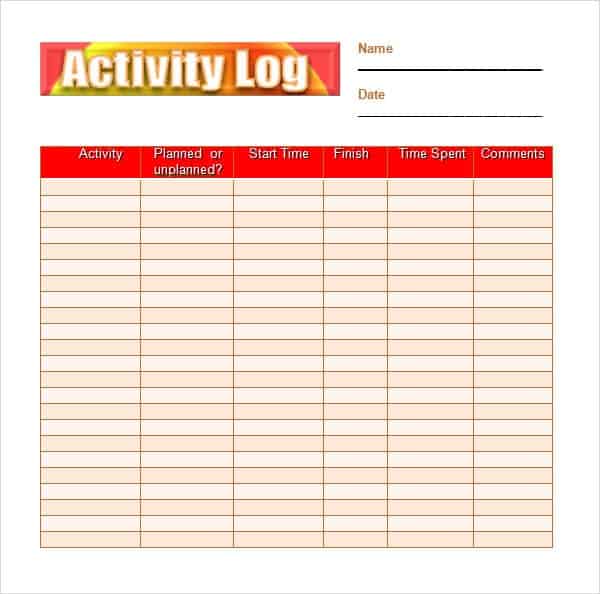

Daily Activity Log Template Excel
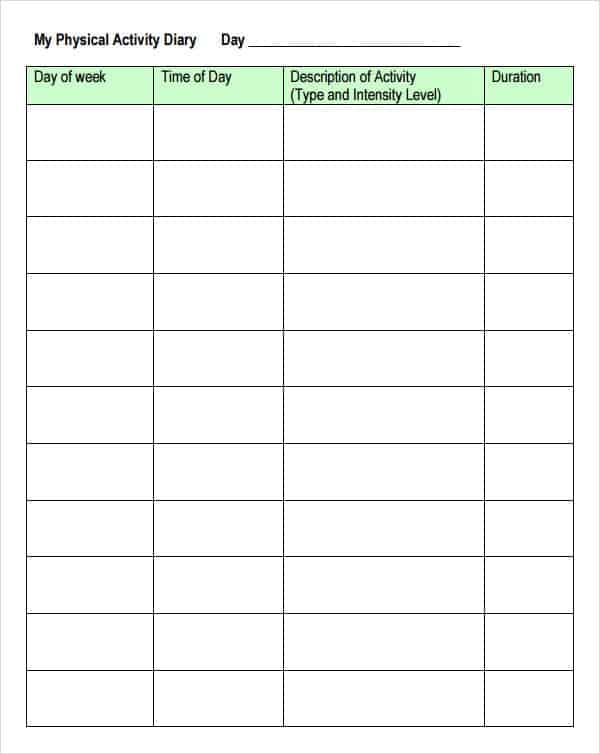
Work Activity Log example
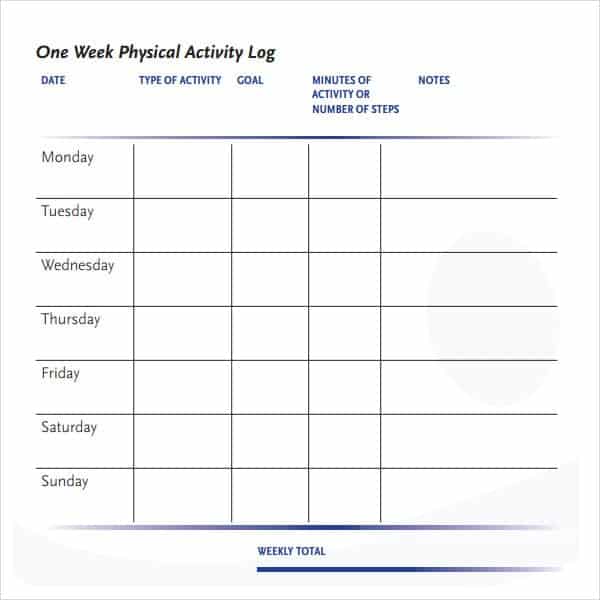
Daily activity Log Template for Drivers
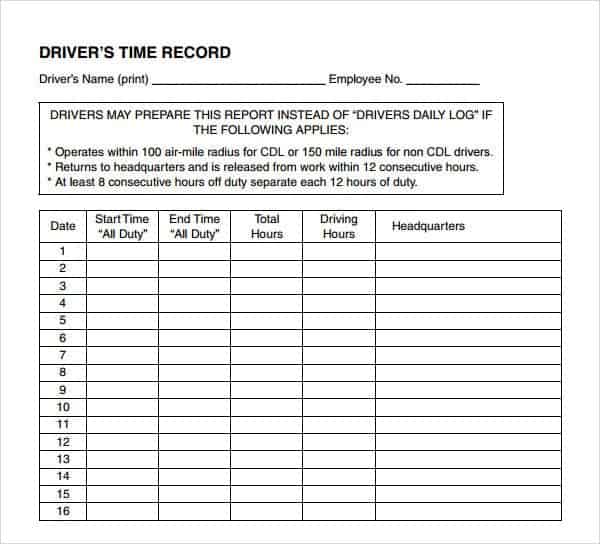
Daily Activity Chart template for Free
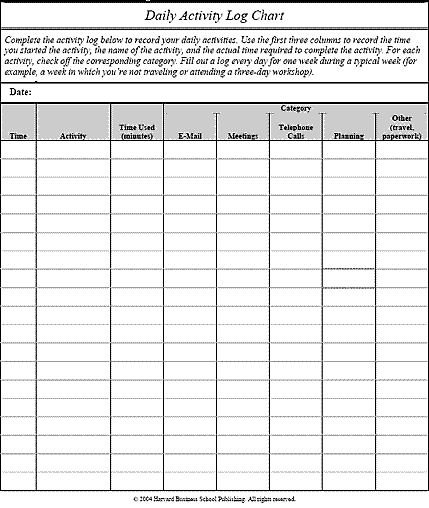
Blank Daily Activity Log
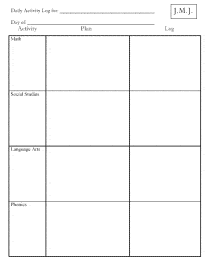
Daily Activity Log for Babies
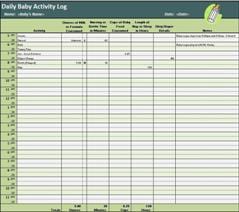
Blank Daily Activity Log template
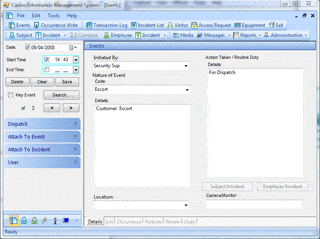
Word Daily Activity Log template
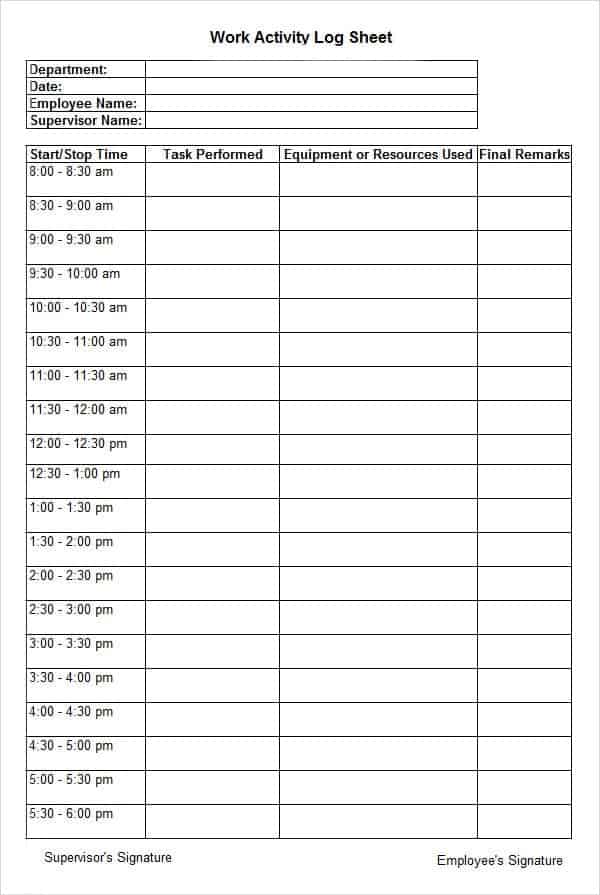
Printable Daily Activity Log template
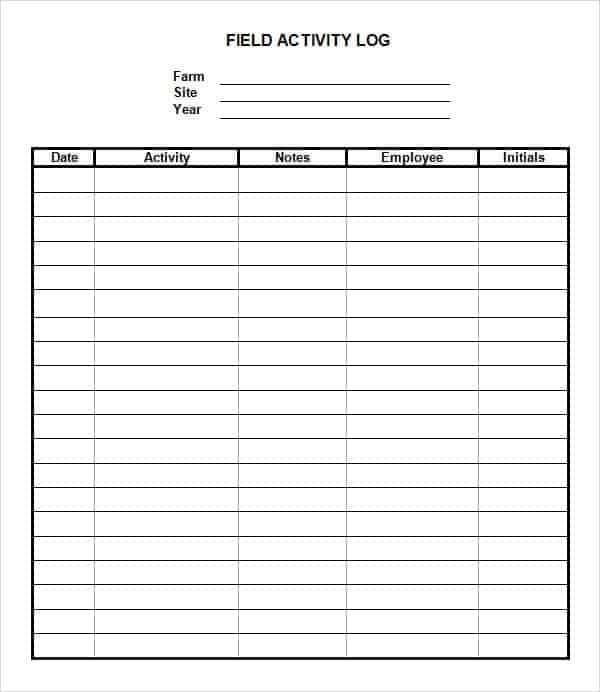
Frequently Asked Questions
How long should I track my daily activities before drawing conclusions?
Most productivity coaches recommend tracking for at least one to two full weeks. A single day rarely reflects your normal routine. Two weeks is usually enough to reveal repeating time-wasters you can act on.
Can I fill this out digitally instead of printing it?
Yes — the Word and Excel versions above can be filled in on a laptop, tablet or phone. You don’t need to print anything if you’d rather keep your log paperless.
What’s the difference between a daily activity log and a to-do list?
A to-do list is forward-looking — it’s what you plan to do. A daily activity log is a record of what you actually did, including interruptions and unplanned tasks. That makes it far more useful for understanding where your time really goes.
Can I use a daily activity log for an entire team?
Yes, though for team-wide tracking it’s usually easier to have each person log their own activities using the same template. Then compare logs during a weekly review to spot workload imbalances or recurring bottlenecks.
Related Templates
Looking for a different kind of log? See our daily work log templates, phone log templates, and vehicle mileage log templates.

You must be logged in to post a comment.