
What Is a Daily Work Log Template?
A daily work log template is a ready-to-use document that helps you record your activities, tasks, and jobs in an organized way each day, so you stay focused on productivity instead of losing track of how your time is spent. A daily work log is essentially a time management tool: it lets you note down what you worked on, how long each task took, and what still needs attention, giving you a clear, written record of your day. Staying organized around your work and tasks is one of the most basic requirements for chasing your goals efficiently within a given timeframe, and a daily work log is one of the simplest tools available to help with that.
Why Keep a Daily Work Log
A daily work log can be used for both personal and professional purposes. Everyone wants to stay organized and increase productivity, whether at a workplace, in an office, or while managing personal projects at home. When you clearly understand how you spend your time across various activities and tasks, you can shift more of your day toward high-value work and leave the office, or finish your day, at a more reasonable time. Maintaining a daily work log does more than keep you organized; it also builds accountability, since a written record of your day makes it much easier to spot patterns, wasted time, and opportunities to work more efficiently.
What to Include in a Daily Work Log
A useful daily work log typically records the date, the specific task or activity performed, the start and end time or total duration, and a brief note on the outcome or status of each task. Some versions also include a priority level or category for each entry, which makes it easier to review the log later and see how much time went toward high-priority versus low-priority work. Keeping the format consistent day to day is what makes a daily work log genuinely useful over time, since it lets you compare one day against another and identify real trends in how you work.
Types of Daily Work Logs
Daily work logs come in a few common formats depending on how they are used. A simple time-block log records tasks against specific hours of the day, ideal for anyone who wants a detailed hour-by-hour breakdown. A task-based log lists activities without strict time blocks, which suits roles where tasks vary in length and structure. A project-specific work log tracks time spent only on a single project or client, which is especially useful for freelancers and contractors who need to bill accurately. A team or supervisor work log is used to track and review the activities of multiple employees at once. Choosing the daily work log template that matches your role makes the log far more useful day to day.
How to Use a Daily Work Log Effectively
Fill in your daily work log as you go rather than trying to reconstruct your day from memory at the end, since memory-based entries are almost always less accurate. Be specific about each task rather than writing broad, vague descriptions, since detailed entries are far more useful when you review the log later. Set aside a few minutes at the end of each day, or the start of the next, to review what was logged and identify any patterns worth addressing. Over time, comparing multiple days or weeks of logs can reveal where your time is genuinely going, which is often different from where you assume it is going.
Common Mistakes to Avoid
One of the most common mistakes is filling out the log retroactively at the end of the week, which almost always leads to inaccurate, generalized entries. Another is being too vague, writing something like “worked on project” instead of a specific, measurable task description. Skipping days entirely also undermines the value of a daily work log, since consistency is what allows you to spot real trends rather than isolated snapshots. Finally, avoid treating the log as a one-way record you never review, since the real value of a daily work log comes from periodically looking back and using what you learn to work more efficiently.
Free Daily Work Log Templates
Choose from the downloadable files below. Each retained preview has an associated file link; check the file format before opening it in your software.
Microsoft word daily work log template sample
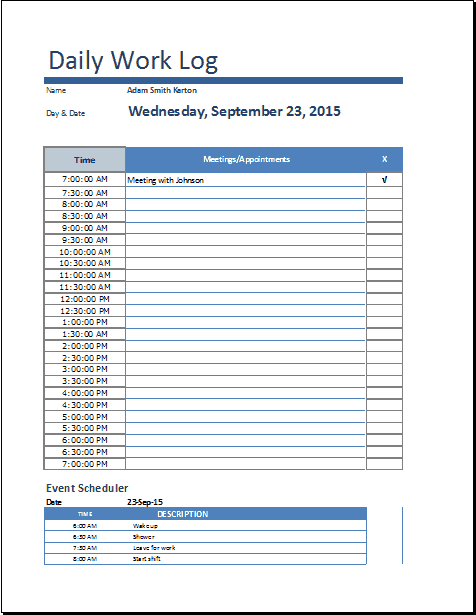

Printable Daily Work Log Template
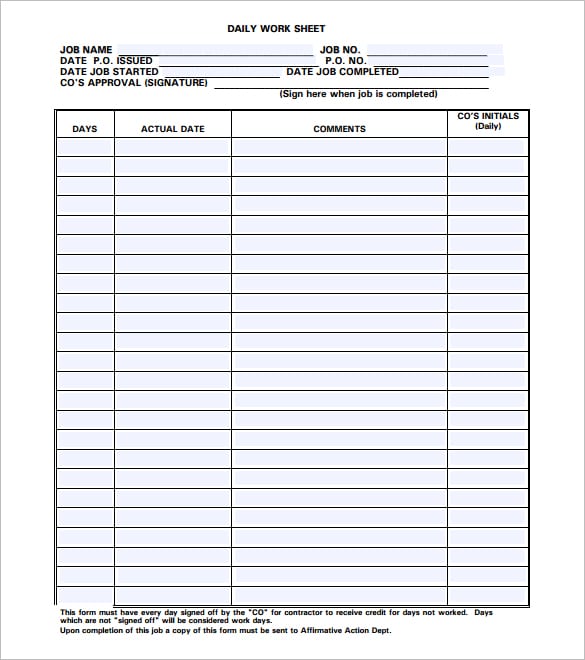
Free Daily Work Log Template PDF
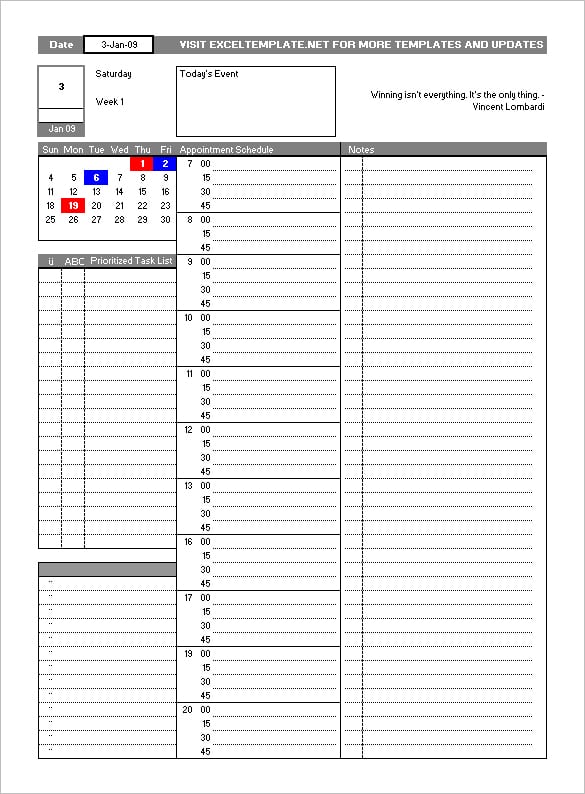
Related Templates
Looking for something similar? Check out our daily activity log templates, phone log templates, and vehicle mileage log templates.
A Work Log Entry That Supports a Handoff
Instead of “worked on website,” record “Client A, checkout testing, 09:00–10:15, tested five payment scenarios, issue QA-14 remains open.” Add the next action and the person responsible. If two people work at the same time, keep their entries separate; overlapping clock times do not mean the same work was recorded twice.
This page focuses on job tasks, project references and work evidence. Use a daily activity log for a broader record that includes personal activities and breaks. At review time, group entries by project and outcome, then check whether recorded time matches the work delivered. A work log can support billing, but billable status still needs to follow the agreed project terms.
Connect work entries with these complementary documents: daily activity log templates, contractor invoice templates, weekly status report templates.
Frequently Asked Questions
What is the difference between a daily work log and a timesheet?
A timesheet is usually focused on tracking billable hours for payroll or invoicing purposes, while a daily work log is broader, capturing what tasks were done and how the day was spent, whether or not the time is billed.
How detailed should a daily work log entry be?
Entries should be specific enough to be useful later, such as naming the exact task or project, but do not need to be lengthy. A short, clear description with a time range is usually enough.
Can a daily work log be used for a whole team?
Yes, many of the daily work log templates here can be adapted for a team by adding a name or employee ID field, allowing a supervisor to review multiple team members’ logs in one place.
What format should I choose for my daily work log?
If you want built-in calculations for total hours, an Excel-based daily work log template is usually the easiest option. If you prefer a simple printable sheet, a Word or PDF template works just as well.

You must be logged in to post a comment.