
What Is a Weekly Planner Template?
Do you want to stop losing track of things at home or in the office? If so, a weekly planner can help you plan tasks according to the time you actually have to accomplish them. A weekly planner is one of the most popular time management tools, letting you jot down everything you need to do in a week along with dedicated time allotted to accomplish each task or job. Using a weekly planner template means you can start planning right away instead of building a layout from scratch every week.
Why a Weekly Planner Matters
A carefully made weekly planner keeps you organized across all seven days of the week and gives you a comprehensive overview of everything on your plate. This makes it much easier to track jobs, assignments, tasks, and appointments, meeting them all without running into the common problem of feeling short on time. A weekly planner can be made for a wide variety of reasons and used in nearly every area of life, from managing a household to running a business. Microsoft Excel is a popular tool for building a weekly planner from scratch, since its spreadsheet format naturally supports the day-by-day, time-block structure most planners use.
What to Include in a Weekly Planner
A useful weekly planner typically breaks the week into seven columns or sections, one for each day, with space to list tasks, appointments, and priorities for each. Many planners also include a time-block layout, dividing each day into hours so specific activities can be scheduled at specific times. Adding a notes or priorities section at the top or side of the planner gives you a place to capture the week’s biggest goals at a glance, separate from the daily task list itself.
Types of Weekly Planners
Different types of weekly planners exist to serve different personal needs, such as a weekly meal planner for food, a weekly work planner for professional tasks, a homework weekly planner for students, an exercise weekly planner for fitness goals, and a project weekly planner for tracking work milestones. Weekly planner templates are available in Word, Excel, and PDF formats, so you can choose the format that best fits how you like to work, whether that’s typing directly into a spreadsheet or printing a page to fill in by hand.
Tips for Using a Weekly Planner Effectively
Set aside a few minutes at the start of each week to fill in your planner with known tasks, deadlines, and appointments, rather than trying to plan day by day. Prioritize your most important tasks early in the week when your energy and focus are typically highest. Leave some flexibility in your schedule for unexpected tasks or interruptions, since a planner that’s booked completely full often creates more stress than it relieves. Review your planner at the end of each week to see what worked and what didn’t, using that insight to improve how you plan the following week.
Free Weekly Planner Templates
Choose from the downloadable files below. Each retained preview has an associated file link; check the file format before opening it in your software.
See Weekly Planner Templates Here
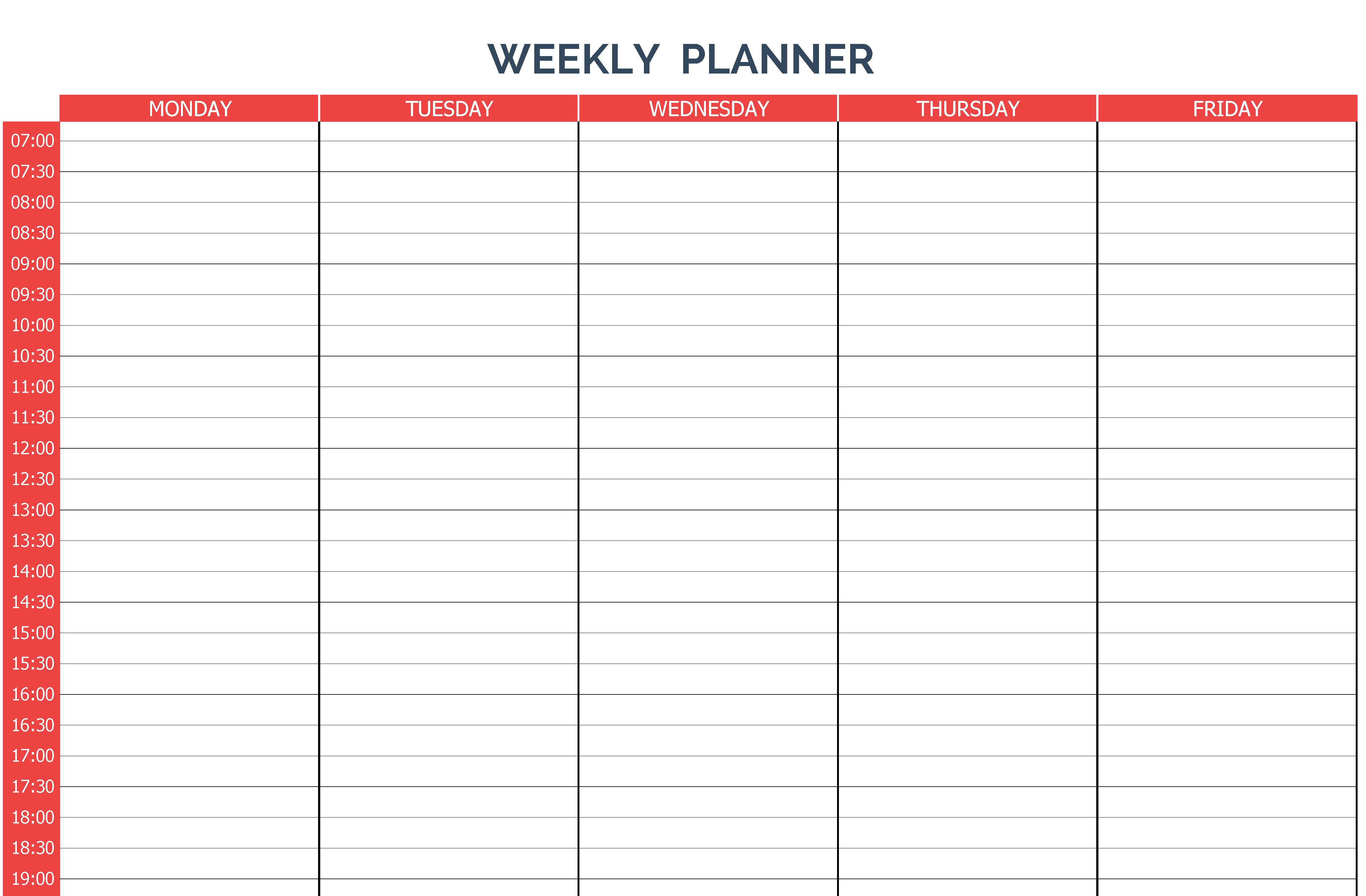
Weekly Planner Template Sample (Monday To Friday)

Related Templates
Looking for something similar? Check out our event proposal sample templates, event program templates, and daily schedule templates.
Plan Capacity Before Filling Every Box
Start with fixed commitments, then select the week’s three most important outcomes. If appointments occupy 12 of 35 available work hours, only 23 hours remain for focused work, routine administration and unexpected requests. Estimate the work against those remaining hours instead of copying the entire task backlog into the calendar.
Use the weekly view to balance commitments across several days. Break tomorrow’s work into time blocks in a daily schedule, then compare planned time with a completed activity log at the end of the week. Move unfinished tasks deliberately: reschedule, delegate or remove them rather than repeatedly copying them without a decision.
Connect the weekly view with our daily schedule templates, daily activity log templates, action plan templates.
Frequently Asked Questions
What’s the difference between a weekly planner and a daily planner?
A weekly planner shows an overview of the entire week at once, which is useful for prioritizing across multiple days, while a daily planner focuses on a single day in much greater detail, often with hourly time blocks.
Should I use Excel or Word for my weekly planner?
Excel is a strong choice if you want to type entries digitally and easily rearrange tasks, while Word or a printable PDF works well if you prefer writing your plan by hand each week.
How detailed should a weekly planner be?
This depends on personal preference. Some people prefer a simple list of tasks per day, while others benefit from an hour-by-hour time-block layout, especially if their schedule includes many fixed appointments.
Can a weekly planner template be reused every week?
Yes, most weekly planner templates are designed to be printed multiple times or cleared and reused digitally, so you only need to download the template once and can use it indefinitely.

You must be logged in to post a comment.