
What Is a Construction Scope of Work?
A construction scope of work is a detailed document that breaks a construction project down into clearly defined, manageable tasks to be completed by a contractor or project manager under agreed terms and conditions. It specifies exactly what construction work is expected, how it should be carried out, and what standards it must meet. Writing a construction scope of work ahead of time, using a reliable construction scope of work template, is one of the best ways to make sure you get precisely what you asked for, with far less room for miscommunication between the client and the contractor once work begins.
Why a Detailed Scope of Work Matters
A well-written construction scope of work protects both the customer and the contractor by removing ambiguity from the project. It gives the contractor a clear, executable plan of exactly what the customer wants done, which reduces the chances of disputes, change orders, and delays later in the project. In simple terms, the scope of work spells out the duties and responsibilities of the construction contractor in specific, measurable language. It can be included as a formal section of a larger construction contract, or it can stand alone as an individual document that the contractor references throughout the job. Either way, using an established construction scope of work template saves significant time compared to drafting one from a blank page for every new project.
What to Include in a Construction Scope of Work
A thorough construction scope of work typically includes a description of the construction work activities to be performed, a list of specific deliverables, a project timeline with milestones and target dates, pricing or payment terms, required quality standards, and governing terms and conditions. It should also identify materials, equipment, and labor responsibilities, along with any permits or inspections required along the way. The more precisely each of these elements is documented up front, the fewer disagreements arise once work is underway, which is exactly why experienced project managers rarely start a construction project without one.
Types of Construction Scope of Work Documents
Construction scope of work documents vary depending on the size and nature of the project. A general contractor scope of work covers an entire building or renovation project from start to finish, while a trade-specific scope of work focuses on a single discipline, such as electrical, plumbing, or cleaning services. A residential scope of work is typically shorter and more informal than a commercial or government construction scope of work, which often needs to meet strict regulatory and compliance requirements. Some scopes are written as standalone documents, while others are embedded directly inside a formal construction contract as an attached exhibit or schedule.
How to Write a Construction Scope of Work
Begin by clearly defining the project objectives and the overall outcome the client expects. Break the work into distinct phases or tasks, and assign a realistic timeline and responsible party to each one. Be specific about materials, dimensions, and quality standards rather than relying on general descriptions, since vague language is one of the most common sources of construction disputes. Include a section addressing what falls outside the scope of work, since defining exclusions is just as important as defining inclusions. Finally, have both parties review and sign off on the finished document before construction begins, so there is a clear, agreed-upon reference point if any questions arise later.
Free Construction Scope of Work Templates
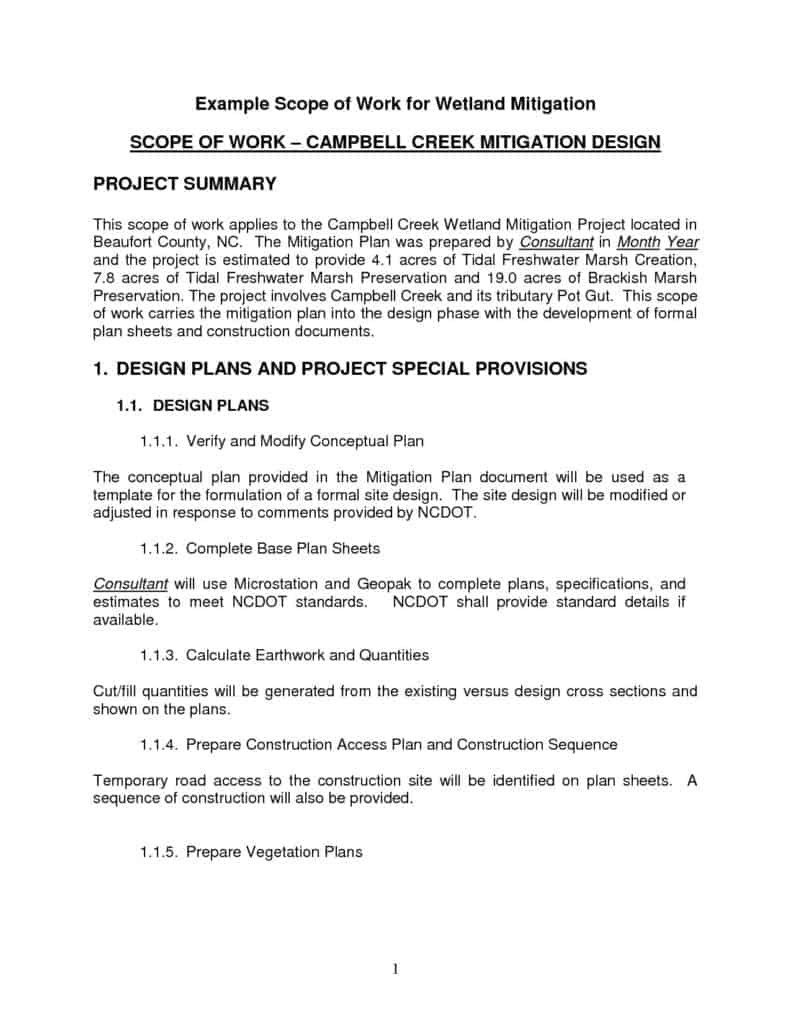
Below are 7+ construction scope of work templates in Microsoft Word format, covering general construction, cleaning contracts, and simple project layouts, all free to download and edit.
Microsoft word Scope of Work Sample


Editable Scope of Work template
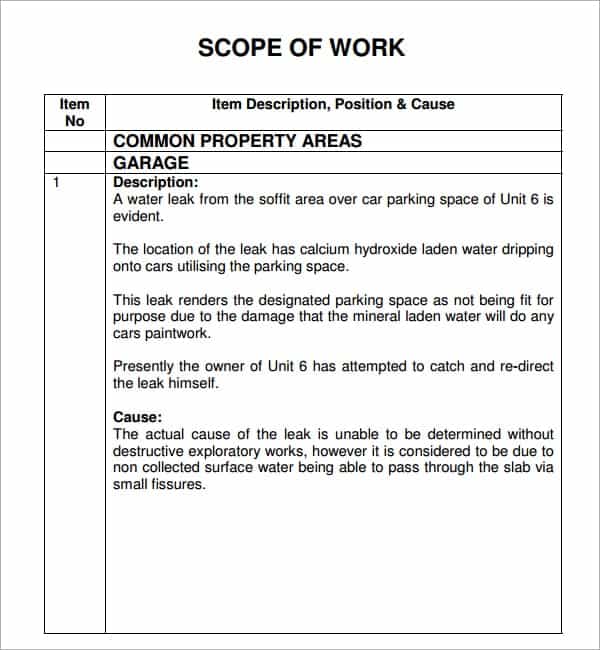
Scope Of Work Document Template
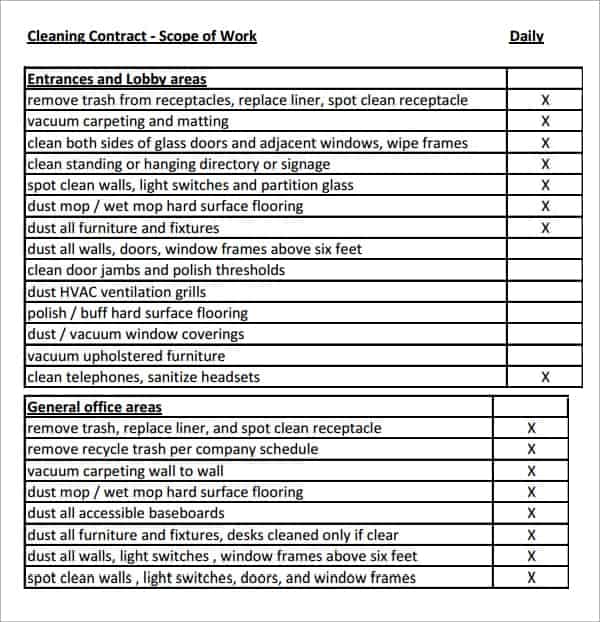
Cleaning contract scope of work
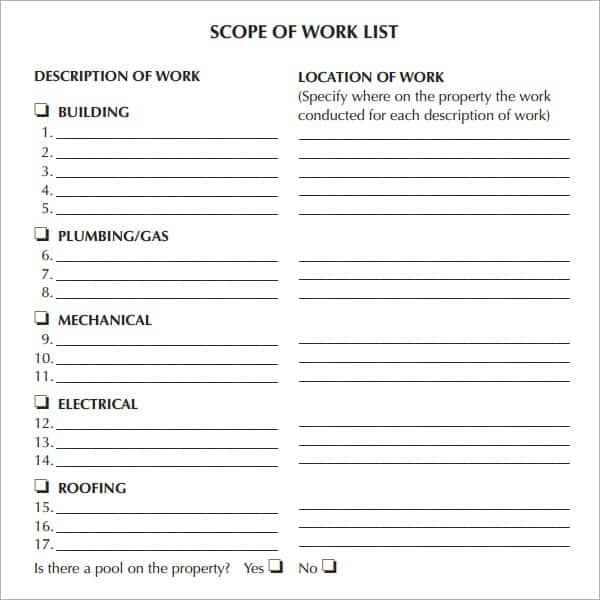
Simple scope of work template in MS word
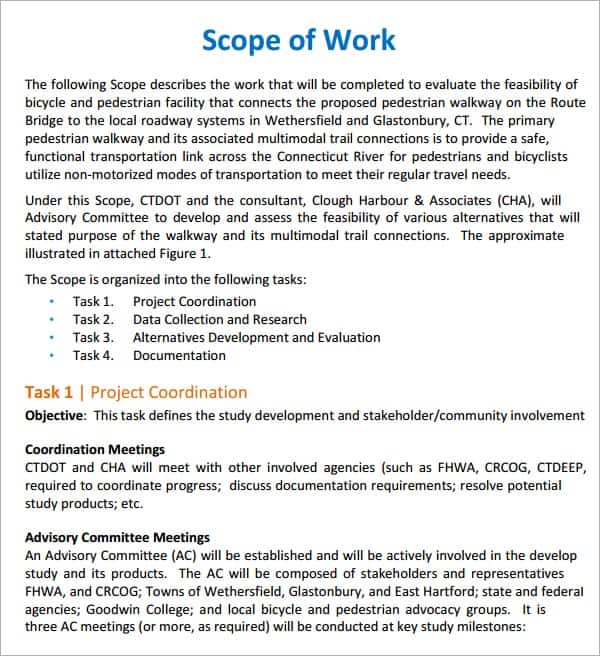
Scope of Work Construction for free
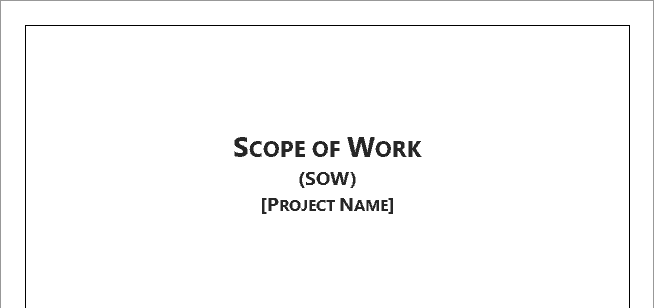
Format for Scope Of Work in word
Frequently Asked Questions
What is the difference between a scope of work and a contract?
A scope of work describes the specific tasks, deliverables, and standards for the project, while a contract is the broader legal agreement covering payment terms, liability, and other legal protections. A scope of work is often attached to a contract as a supporting document.
Who is responsible for writing the construction scope of work?
The scope of work is usually drafted by the project owner, architect, or project manager, often in collaboration with the contractor to make sure it is realistic and technically accurate before work begins.
Can a scope of work be changed after construction begins?
Yes, but any change should go through a formal change order process. Adjusting the scope of work informally without documentation is one of the most common causes of budget overruns and disputes on construction projects.
Do small residential projects need a formal scope of work?
Yes, even small residential projects benefit from a written scope of work. It does not need to be as long as a commercial document, but having the work, timeline, and cost in writing protects both the homeowner and the contractor.

You must be logged in to post a comment.